Photography

Photography 101 for Bloggers: Take and Edit Better Photos
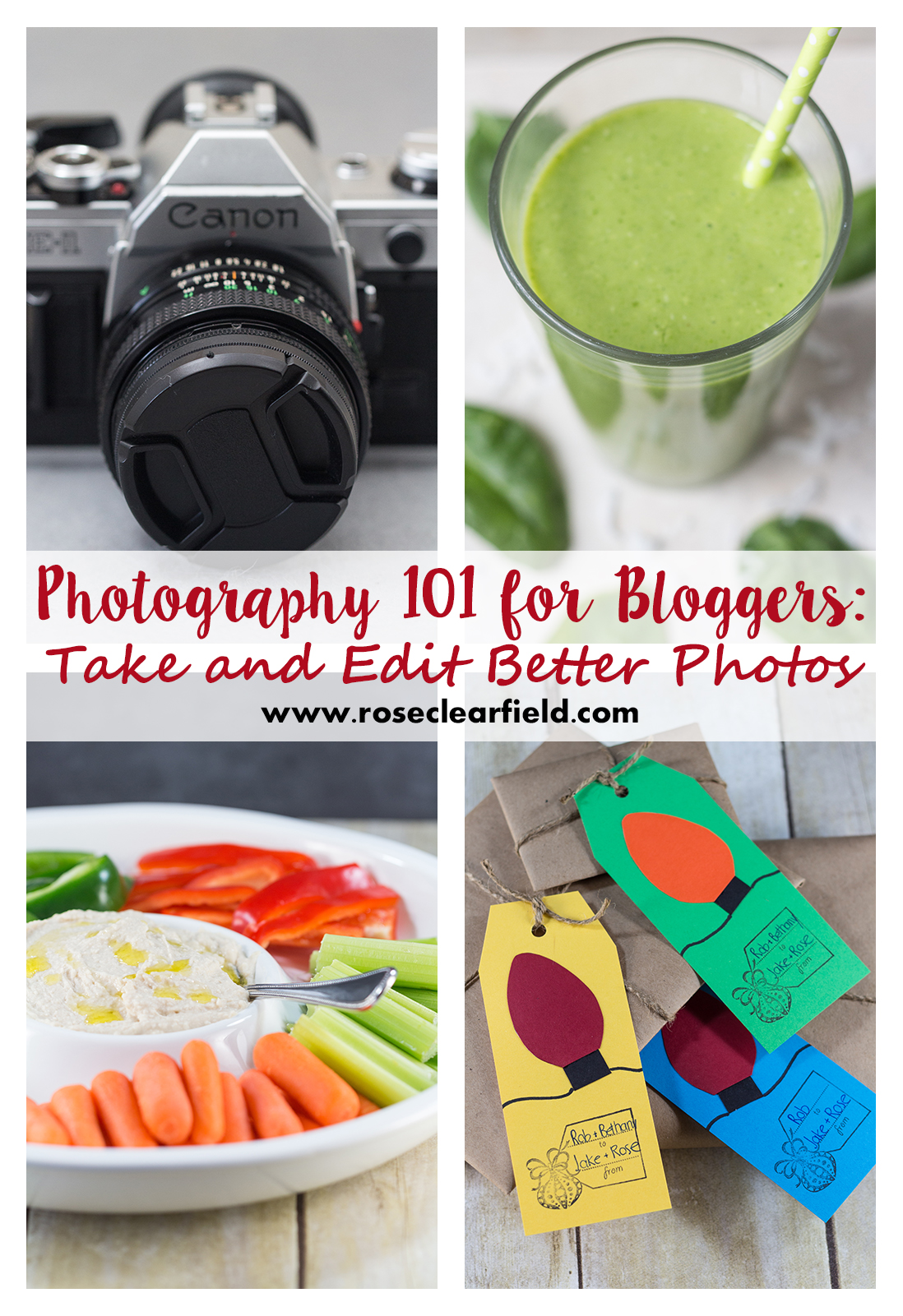
Photography 101 for Bloggers: Take and Edit Better Photos | https://www.roseclearfield.com

Great photography is such an important part of creating, growing, and maintaining a successful blog. Blogging is extremely competitive with hundreds of individuals launching new blogs each month. Creating stunning images that reflect your brand is critical for setting yourself apart from the crowd.

It’s easy to get overwhelmed browsing successful blogs and think you’ll never take pictures anywhere near that good. I see so many bloggers who give up on the notion completely and resort to one of two strategies.

  1. Getting by with the same mediocre smartphone or auto mode DSLR shots they’ve been using for months or even years.
  2. Relying exclusively or nearly exclusively on generic stock photos.

Poor quality or average photos don’t cut it. I know it sounds harsh, but it’s true. And turning to stock photography, even really good stock photography, isn’t the answer.

But my photography is terrible. I’m paying to use high-quality stock photos. Why isn’t that a good strategy?

An occasional stock photo on a blog is okay. But you’re not creating your own brand by adding the same 3-4 fonts and colors to stock images for all of your blog posts. Again, I know a lot of people don’t want to hear this strategy isn’t a good move. I think the following examples will drive home the importance of using your own, high-quality photos to build your blogging brand.

Blog Food Photography Comparison | https://www.roseclearfield.com

The first photo is a quick shot of homemade hummus, straight out of the camera. I used a DSLR camera. Case in point that the camera doesn’t take good pictures. The hummus is in a Tupperware container in unflattering yellow kitchen lighting. There are several distracting elements in the background. The second photo is a shot of the same homemade hummus. Yes, the exact same batch of hummus. And I used the same DSLR camera. The hummus is in a chip and dip platter, surrounded by sliced veggies and crackers. I added a spoon and drizzle of olive oil to give the shot a more polished, professional aesthetic. I also took the second photo with artificial natural daylight bulbs so it’s well lit with flattering light.

Anyone can take the first photo. It’s mediocre at best, and it will never get noticed among the competition. The second image is strong with a great composition, good lighting, and lots of detail. It will stand out on Pinterest, Instagram, and Yummly.
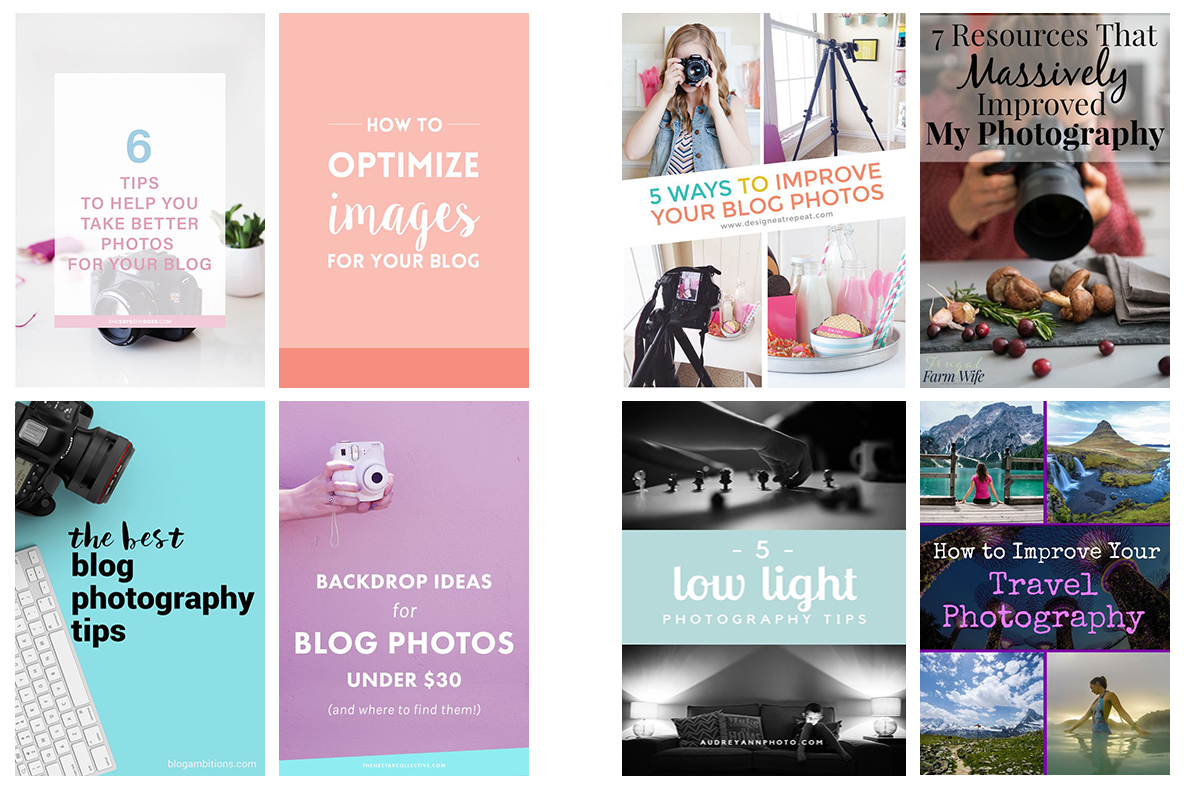
Photography Post Header Images Comparison | https://www.roseclearfield.com

The above photos are header images bloggers have created for posts about improving your photography. The photos on the left are header images using stock photography or what might as well be stock photography because it’s so generic. Anyone could have created the images on the left. They give me no confidence in the bloggers’ photography skills. They also provide zero clues about the blogger or the brand of the specific blog. The photos on the right are header images using the bloggers’ own photos. All of these graphics are well branded without being obnoxious and feature high-quality images the bloggers shot and edited themselves.


Income Report Header Comparison Part 1 | https://www.roseclearfield.com

Income Report Header Comparison Part 2 | https://www.roseclearfield.com

My final example is header images for blog income reports. The upper images are strong headers that represent the blogs’ styles accurately. The lower images are just a few of the hundreds of stock images with text bloggers have used for their income reports. I sorted through 100 images on Pinterest to find the two strong examples. Learning to create these types of images is huge for your blog brand.

I’m not a photography expert or an expert in blog photography or blog branding. I don’t pretend to have all the answers about photography or to create the most amazing blogging images. I’m still learning so much and know there are so many photographers who blow everything I do out of the water. But I’ve learned a lot about taking and editing photos and have made a few key purchases, all of which has helped me take my photography skills to where they are today.
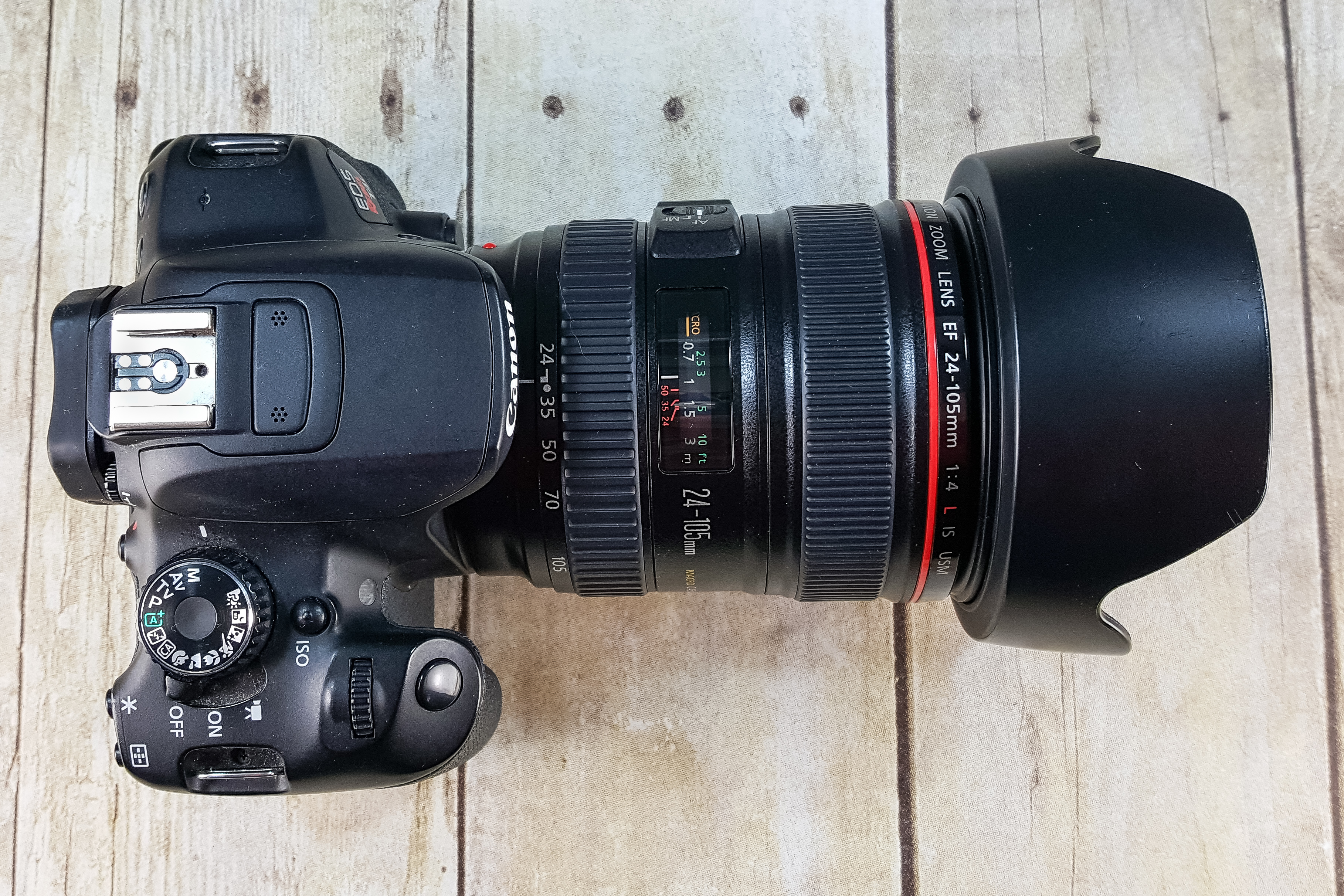
DSLR Camera | https://www.roseclearfield.com

Invest in a DSLR camera

A DSLR is a major purchase, especially when you’re brand new to blogging. But it will help you achieve results that simply aren’t possible with a smartphone camera. Yes, smartphone technology has come a long way. And yes, there are lots of photographers creating amazing images, all with their smartphones. As a blogger, there’s nothing wrong with creating an occasional social media post or even blog post with exclusively smartphone images. But you’ll be able to achieve so much more with a DSLR.

I’ve been shooting with Canon cameras since 2010 and can’t recommend them enough. Canon offers consistent, high-quality cameras with impressive battery life and an extensive selection of lenses. For beginner DSLR users, I recommend a Canon t6i or 80D. Purchasing the 50mm f/1.8 along with the camera body and kit lens will open up a whole new world of shooting potential for your blog. From there, you’ll be able to figure out what type of lenses are the best fit for your photography style and blog content. You can read more about the current camera equipment I shoot with over here.
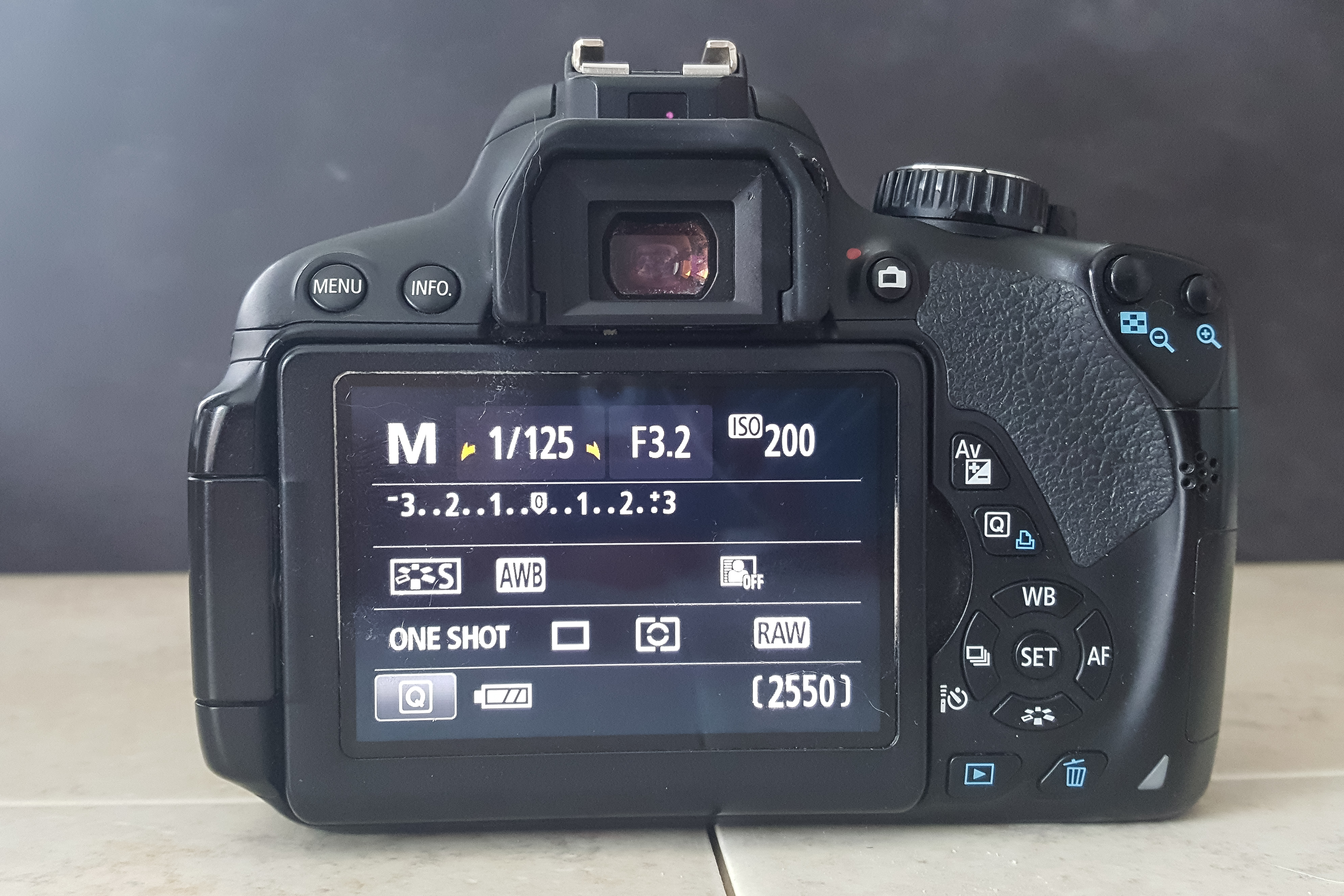
DSLR Manual Camera Mode | https://www.roseclearfield.com

Learn your camera settings

Regardless of the type of camera you’re using for your blog photography, you should learn everything you can about that camera. Whether you’re shooting with an old smartphone or a brand new high-end DSLR, learning the camera settings will make a huge difference in your photography. I see so many bloggers using a DSLR with a kit lens on Auto Mode, and the photos don’t really look any different than smartphone photos. There are tons of free articles that explain camera setting basics. I also explain camera setting basics in full detail in my product photography ebook, which is a great resource for anyone just starting to learn the ins and outs of styled shoots. Additionally, I recommend Pinch of Yum’s Tasty Food Photography (which is a great resource for all bloggers, not just food bloggers).

Invest in the Adobe Creative Cloud Photography Plan

Once you’ve invested in better photography equipment, it’s time to invest in better photography editing equipment. Most people don’t realize the vast majority of photos they see in print and online publications are edited. Editing is not cheating. It helps you turn your good photos into great photos. If you’re already editing your photos with a free program, such as Google Photos or Picmonkey, that’s a great start. Learning to crop and complete a simple light adjustment makes a big difference. You can use a free program to add text and borders to create header images and other blog graphics for sharing posts on social media.

When I first got serious about photo editing, I bought Lightroom outright. You can still purchase Lightroom on its own. However, Adobe now offers subscription plans for all of their software. I switched to the Creative Cloud plan in mid-2016 so I could upgrade from an outdated version of Photoshop Elements to the full Photoshop and upgrade to the current version of Lightroom.

Adobe’s Creative Cloud photography plan is $9.99/month and includes Lightroom and Photoshop, two powerful software programs for editing images and creating blog graphics. They allow you to do so much more than you’ll ever be able to do with a free editing program. Subscribing to the cloud plan gives you access to all of the latest software updates, eliminating the need to shell out $150-$300 every few years when a new version is available. Since 2013, I’ve been primarily using Lightroom for editing and Photoshop for resizing images and creating blog graphics. I was nervous about taking the plunge and adding another monthly fee to our budget, but I’ve never looked back. I use both programs every single day I’m working on my blog.

Buttery Crescent Dinner Rolls, the perfect touch for Thanksgiving, Christmas, or New Year's dinner. | https://www.roseclearfield.com

Gather a set of basic backdrops and styling props

Of course, there’s no limit to the amount of money you can spend on photo backdrops and styling props. But you can start building a basic collection on a very small budget. Most likely you already have a few items at home you can start using today.

Backdrops and styling props give your photos a professional finish. The above example is from my buttery crescent dinner rolls post. For my backdrops, I used a few tiles I got from Home Depot and my black chalk poster board, which is just black foam core with white chalk detail. For this recipe post, I used a couple different plates to style the rolls (click through to see the other plate) as well as a fork, towel, water glass, and pumpkin. I got the backdrop supplies for less than $10 and picked up the pumpkin for $2. I already owned everything else. You can read more about my go-to backdrops here and here.

For shoots against natural backgrounds, pay attention to distracting elements. From stray mail on the kitchen counter during a recipe shoot to a branch intersecting with a person’s head during a fashion shoot, distracting elements make a well-composed photo look merely average. Courtney’s Stitch Fix Review #1 is a great example of a shoot against a natural background without any distracting elements.
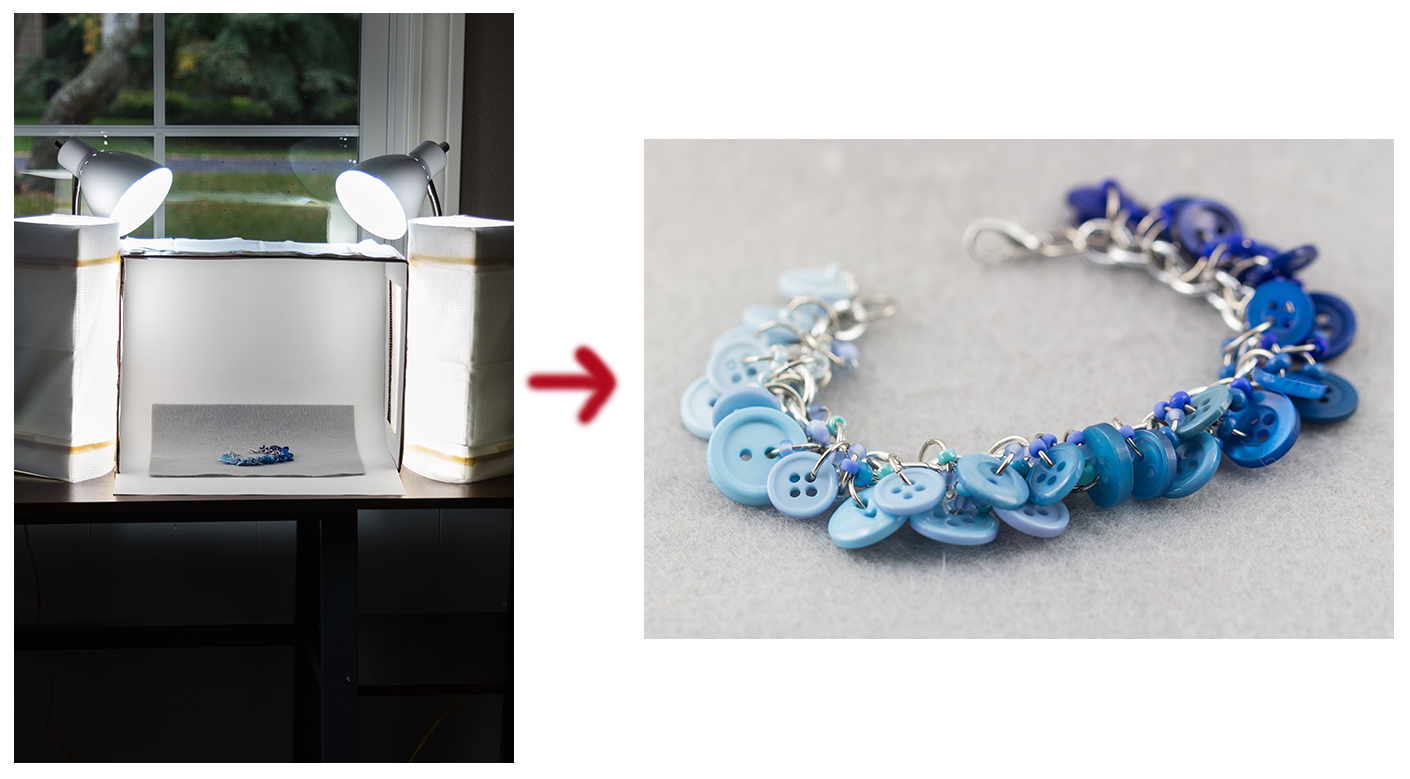
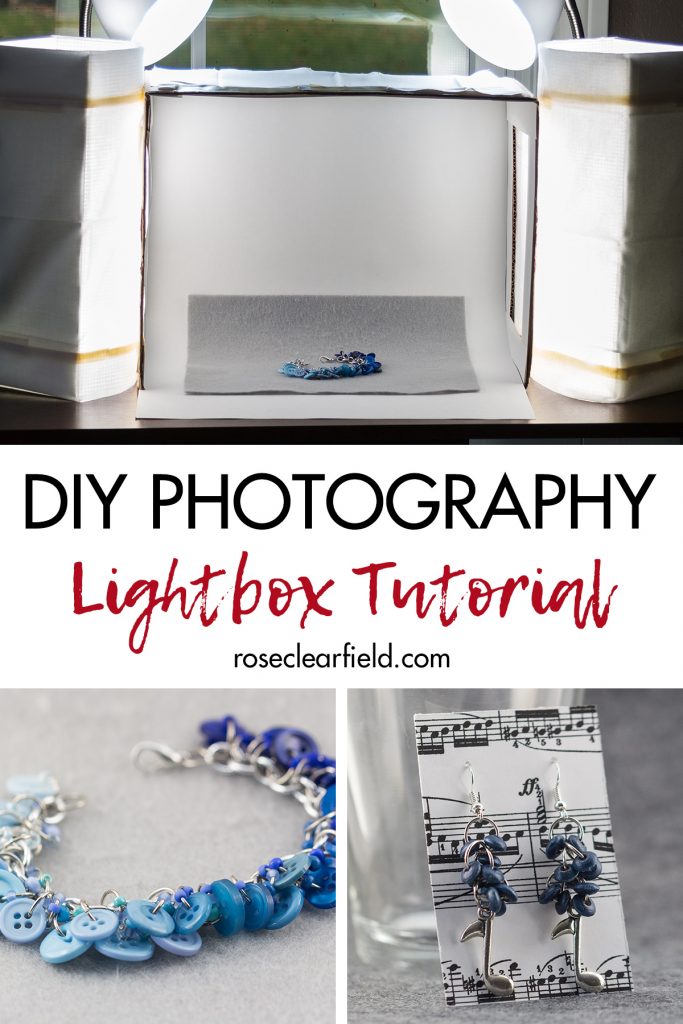
DIY Lightbox with Desk Lamps and DIY Lowel Lights | https://www.roseclearfield.com

Shoot in natural light or with daylight bulbs

I know there’s endless debate about shooting in natural light versus artificial light. Many bloggers swear by natural light and will never use artificial light. There’s no question natural light is amazing. But there’s nothing wrong with using artificial light either. Numerous professional photographers use artificial light and achieve amazing results. I urge you to experiment with both types of lighting to figure out what works best for you.

When you aren’t shooting with natural light, shoot with daylight bulbs. I shoot with natural light as needed for certain types of post, such as home tours. The rest of the time, I use the lighting setup pictured above, which I outline in my DIY photography lightbox tutorial post. I have two desk lamps with 60W daylight bulbs and two DIY Lowel lights with 100W bulbs. I use these lights with the lightbox and for larger shoots. This combination of lighting enables me to keep my ISO levels at 100 or 200 to create detailed, bright images.
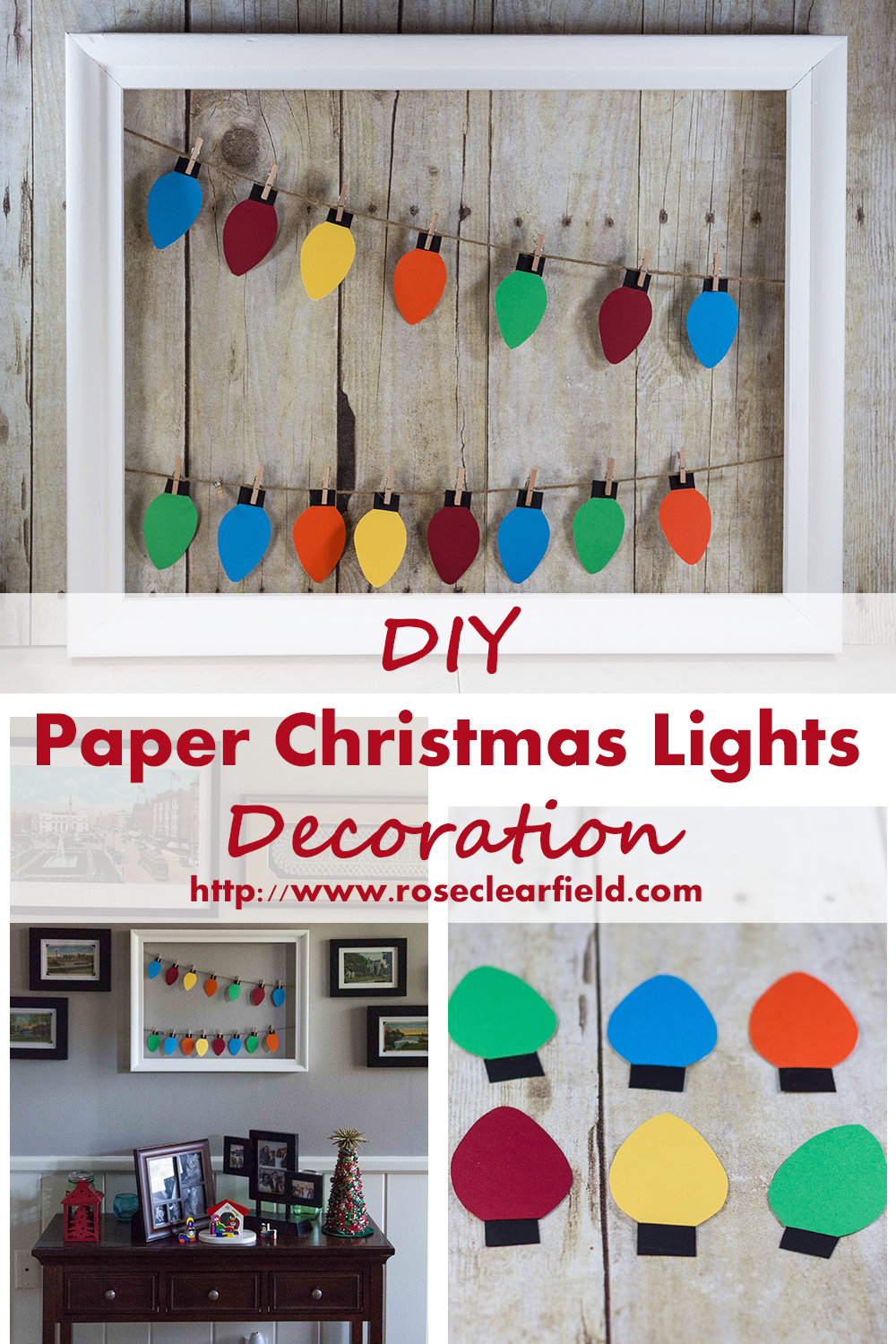
DIY Paper Christmas Lights Decoration Tutorial | https://www.roseclearfield.com

Start shooting and editing with Pinterest in mind

For most bloggers, Pinterest is a huge traffic source. Creating high-quality vertical images greatly increases your odds of getting lots of repins. You don’t have to shoot all your blog images in portrait orientation. But you should have at least one or two vertical images in each post that will make great pins. It takes time and practice to get in the mindset of shooting and editing with Pinterest in mind, but it’s well worth the effort.

If your strongest image is a horizontal or landscape orientation image, consider creating a vertical Pinterest graphic that includes the horizontal image. The above example is a graphic I created for my DIY paper Christmas lights tutorial that includes a horizontal image of the finished paper lights.

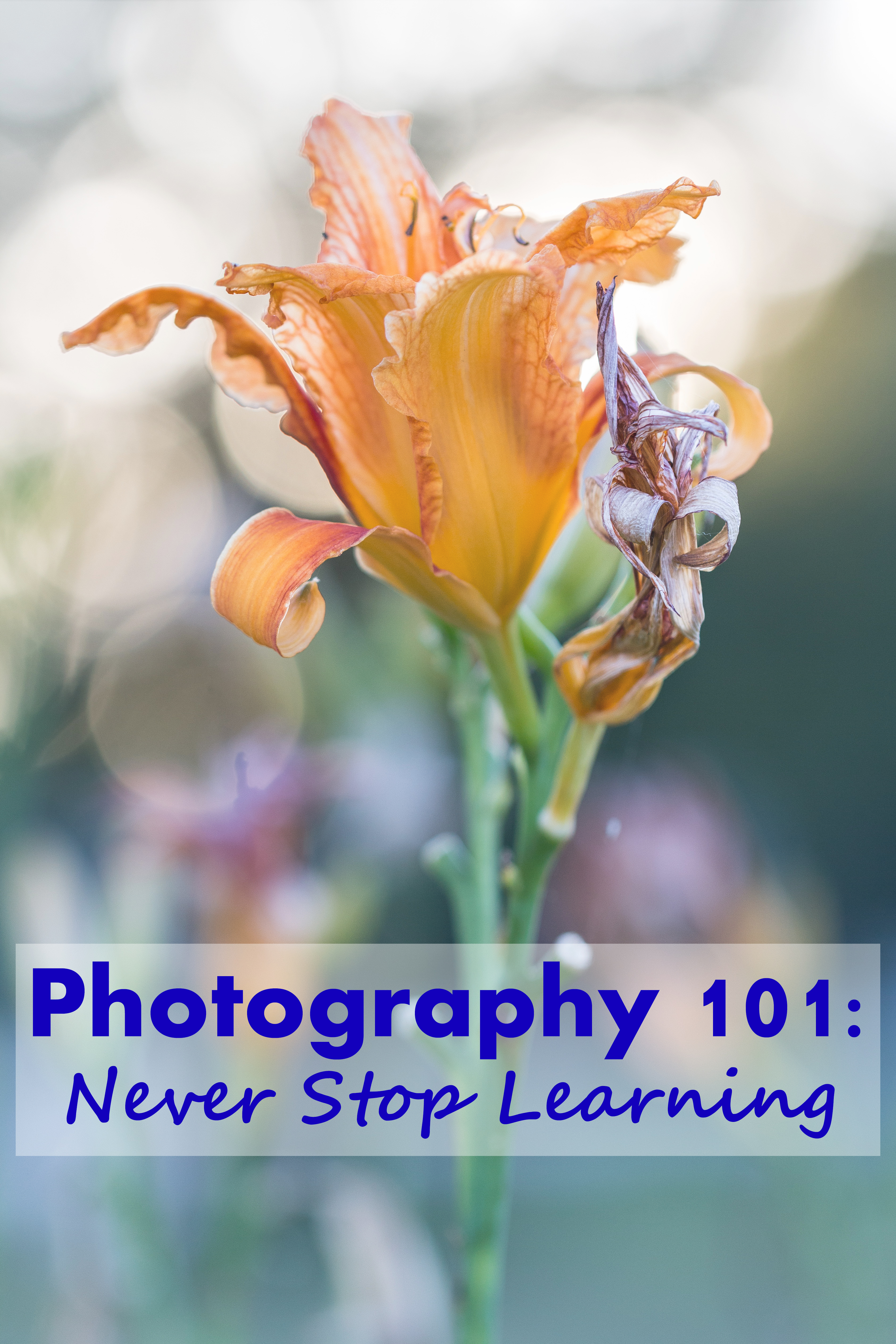
Photography 101: Never Stop Learning - Making an effort to learn new technical, composition, and editing techniques on a regular basis is key for staying current in the field and continuing to improve your skills as a photographer. | https://www.roseclearfield.comLearn from the best

One of the best ways to improve any type of creative skill is to learn from the best. As you read blog posts from bloggers you really admire, pay attention to what makes their photos so great. Don’t blatantly copy favorite bloggers’ photos but consider what makes their images strong and use those assets to improve your own photography. For example, if a food photographer creates strong compositions with well-placed props, think about how you can use props in your own recipe shoots.

5 Tips for Improving Your Photography | https://www.roseclearfield.comStrive to keep improving your photography
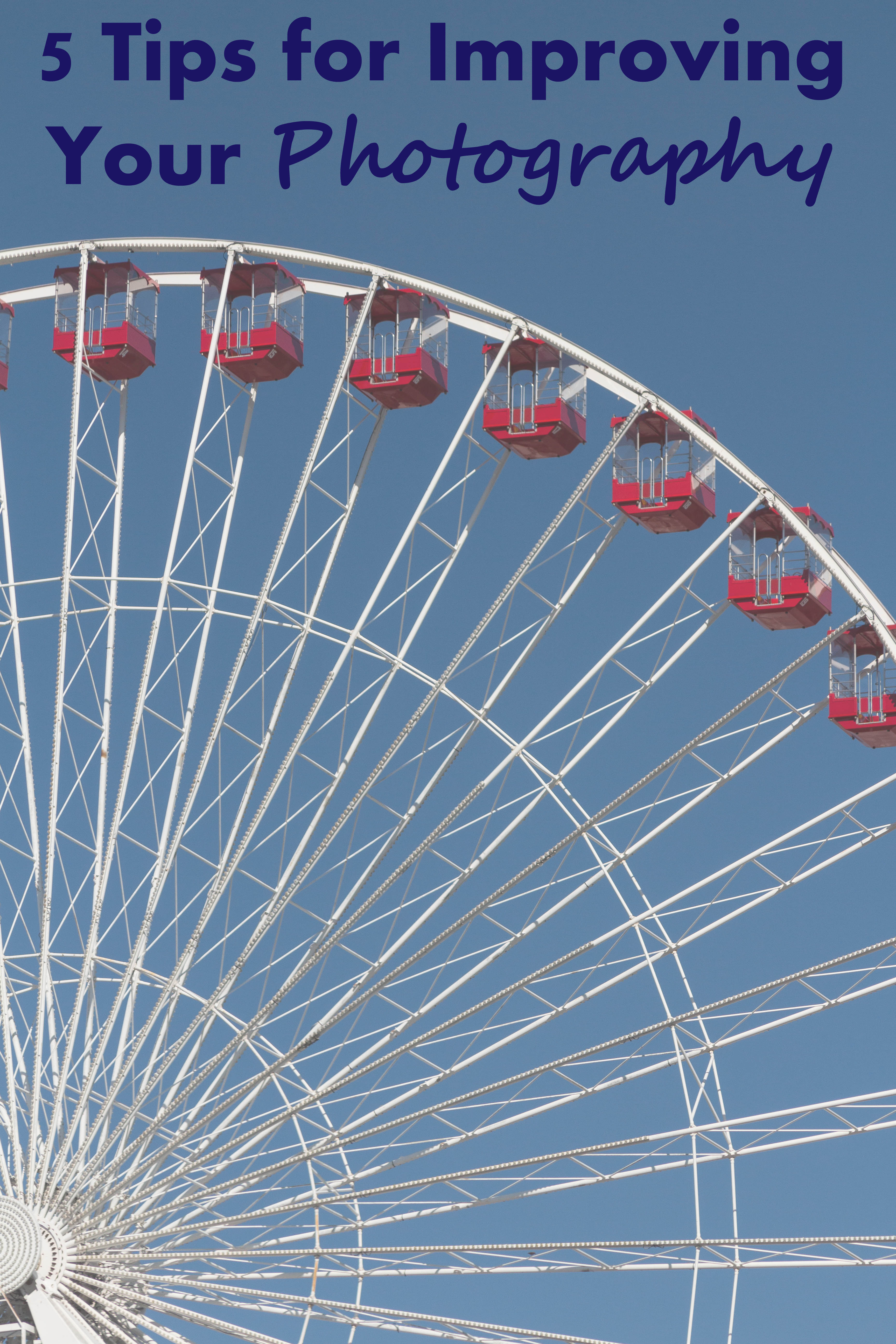
As a creative, it’s way too easy to stagnate with your skills. It’s good to have confidence in your photos and feel that you’re creating images that enhance your written content. It’s not good to fall into the mindset that your photos are good enough so you don’t need to work on your photography skills anymore. You should always strive to keep taking and editing better photos for your blog. From week to week or even month or month, you may not notice any difference in your photos. But when you look back at your photos from six months or a year ago, you’ll be surprised how far you’ve come with your photography skills.

More photography resources!

Top 10 Common Photography Mistakes to Avoid | https://www.roseclearfield.com
Top 10 Common Photography Mistakes to Avoid

Why I Don't Watermark My Photos | https://www.roseclearfield.com

Why I Don’t Watermark My Photos

[Disclaimer: This post contains a few affiliate links. Using these links to purchase products and sign up for services is a simple way to support my blog without costing you anything extra. Thanks!]

Do you have any additional photography tips for bloggers?
Share your insight in the comments!

Save

Save

Save

Save

Save

Save

Photography 101 for Bloggers: Take and Edit Better Photos Read More »

My Favorite 16 Photos of 2016

Today I’m sharing my favorite 16 photos of 2016. The photos I’m sharing are MY favorite photos. They’re not necessarily the photos that got the most likes on Instagram or Facebook or that performed well here on the blog or on Pinterest. These photos are simply the photos that I’m most proud of from the past year. Enjoy.

4/28/16

Hobbes 4.28.16 | https://www.roseclearfield.com

6/20/16

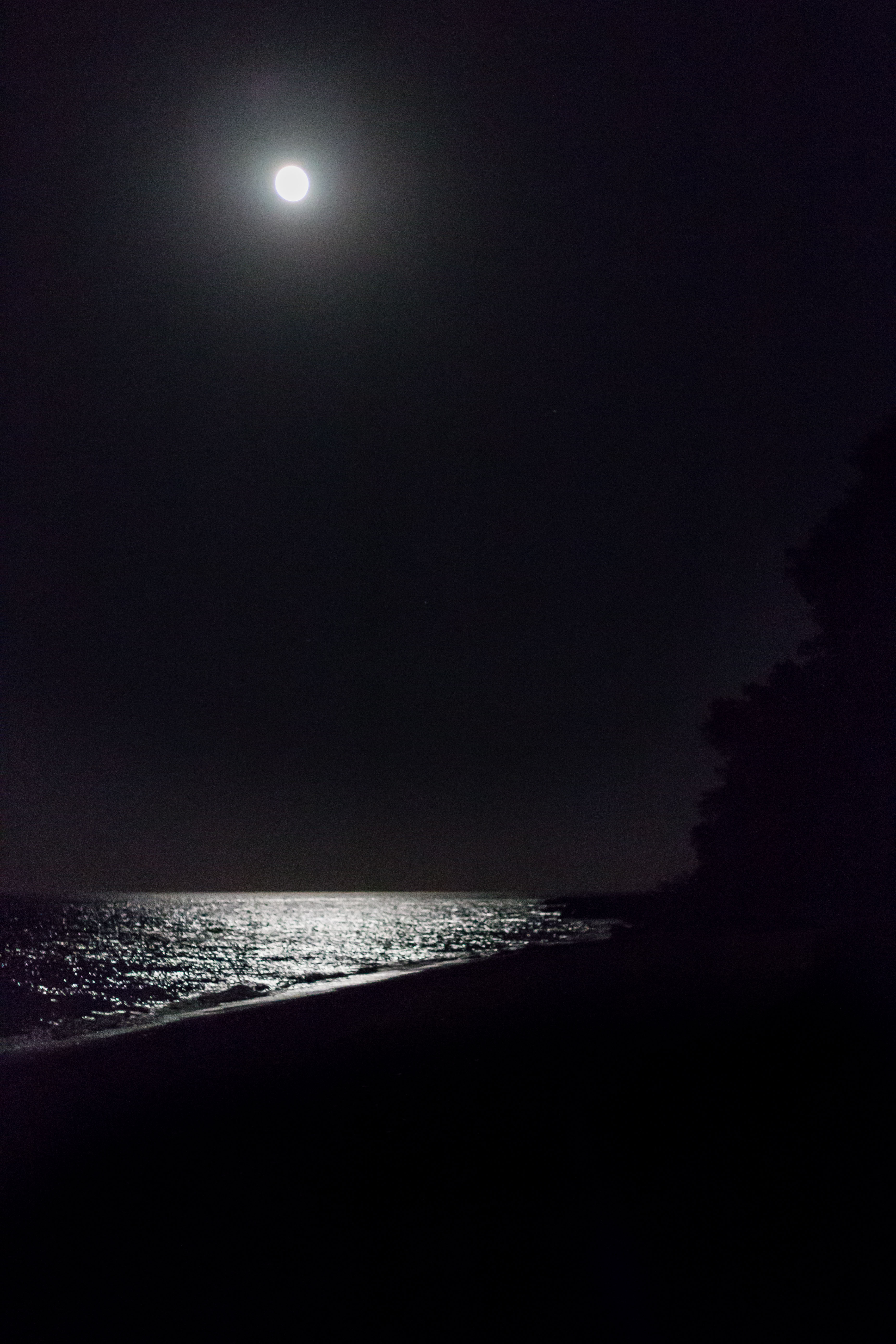
Lake Michigan at Night 6.20.16 | https://www.roseclearfield.com

6/24/16 (full post)

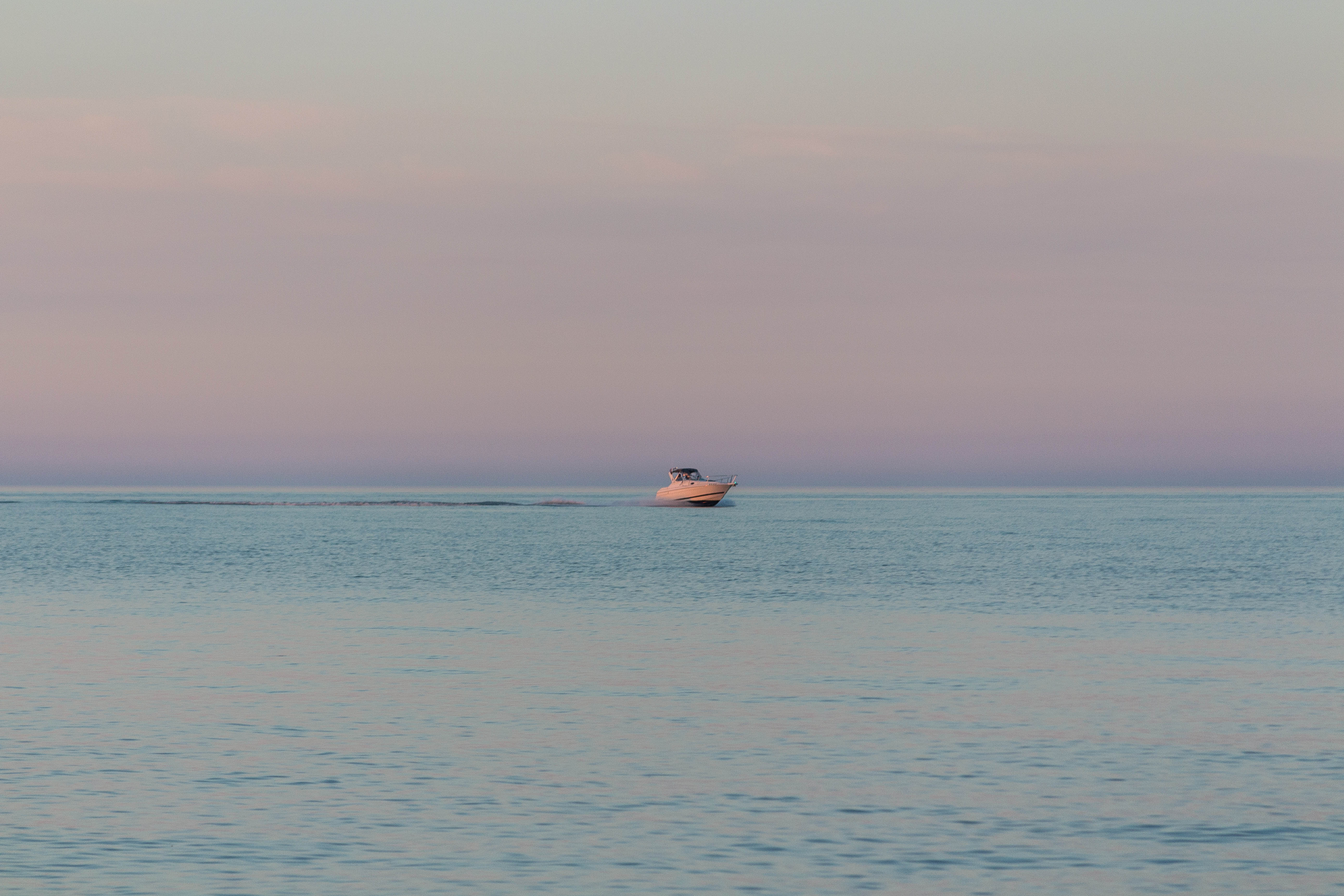
Boat on Lake Michigan at Golden Hour 6.24.16 | https://www.roseclearfield.com

7/16/16 (full post)

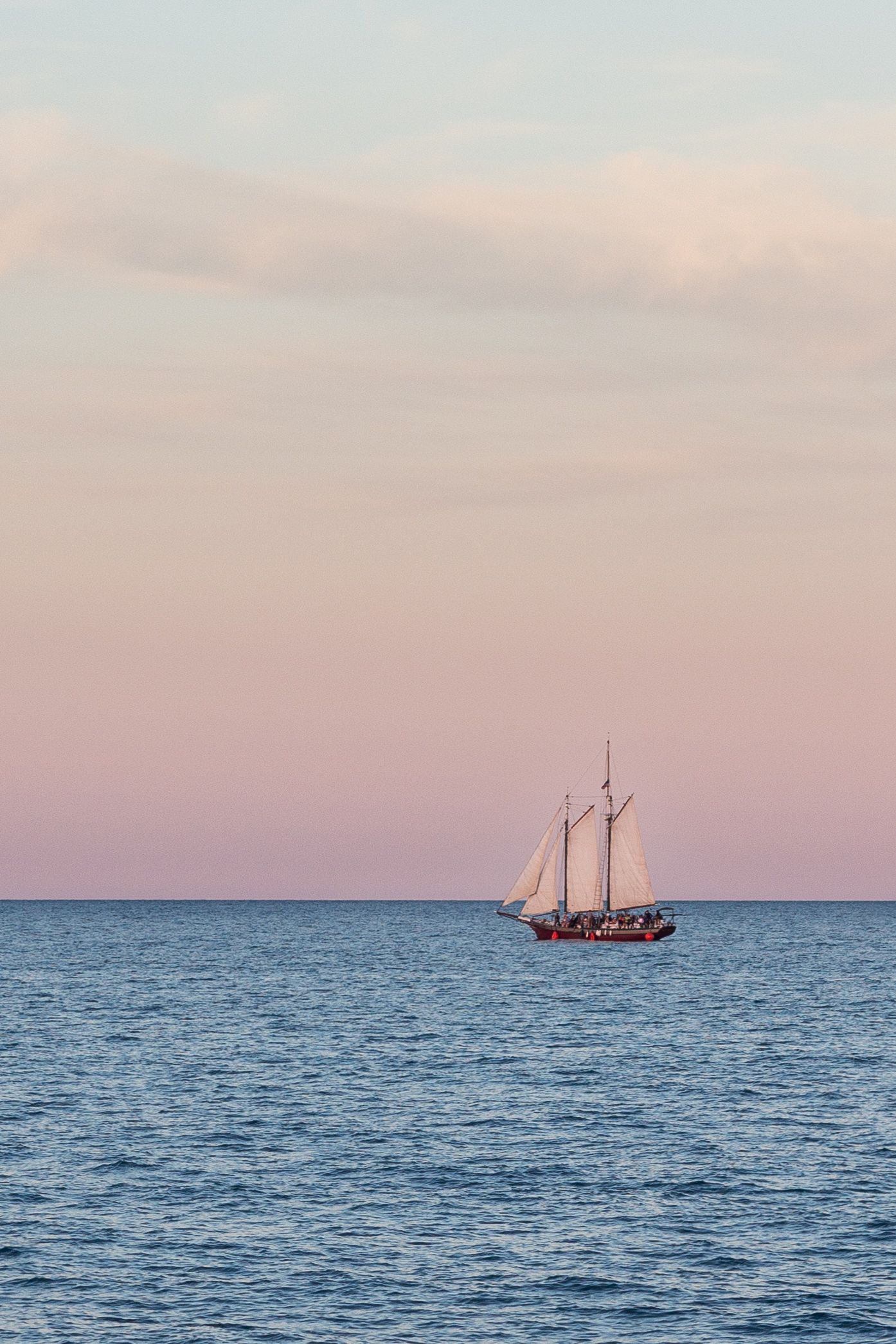
Tall Ship in the Kenosha Harbor 7.16.16 | https://www.roseclearfield.com

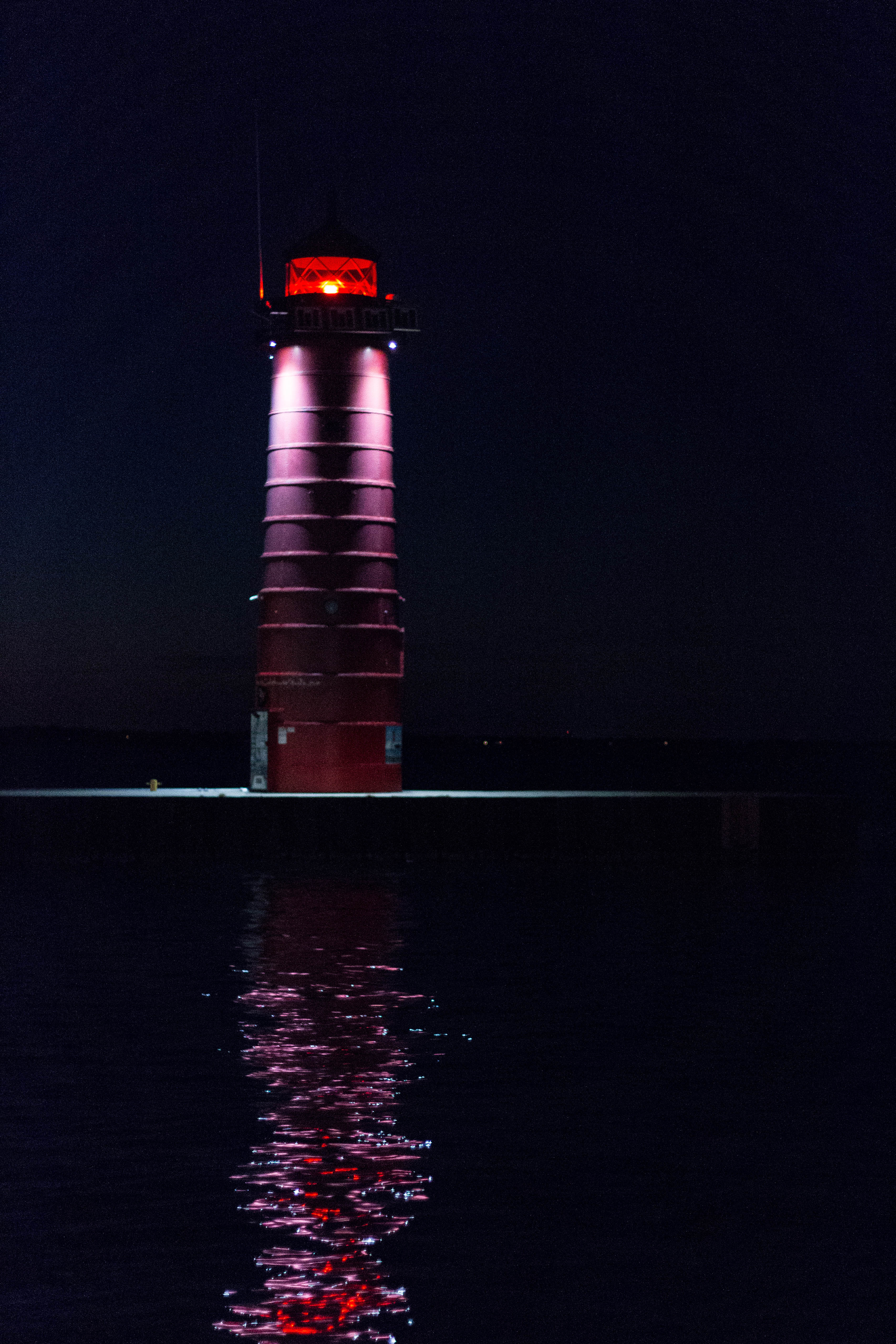
7/16/16

Kenosha Lighthouse at Night 7.16.16 | https://www.roseclearfield.com

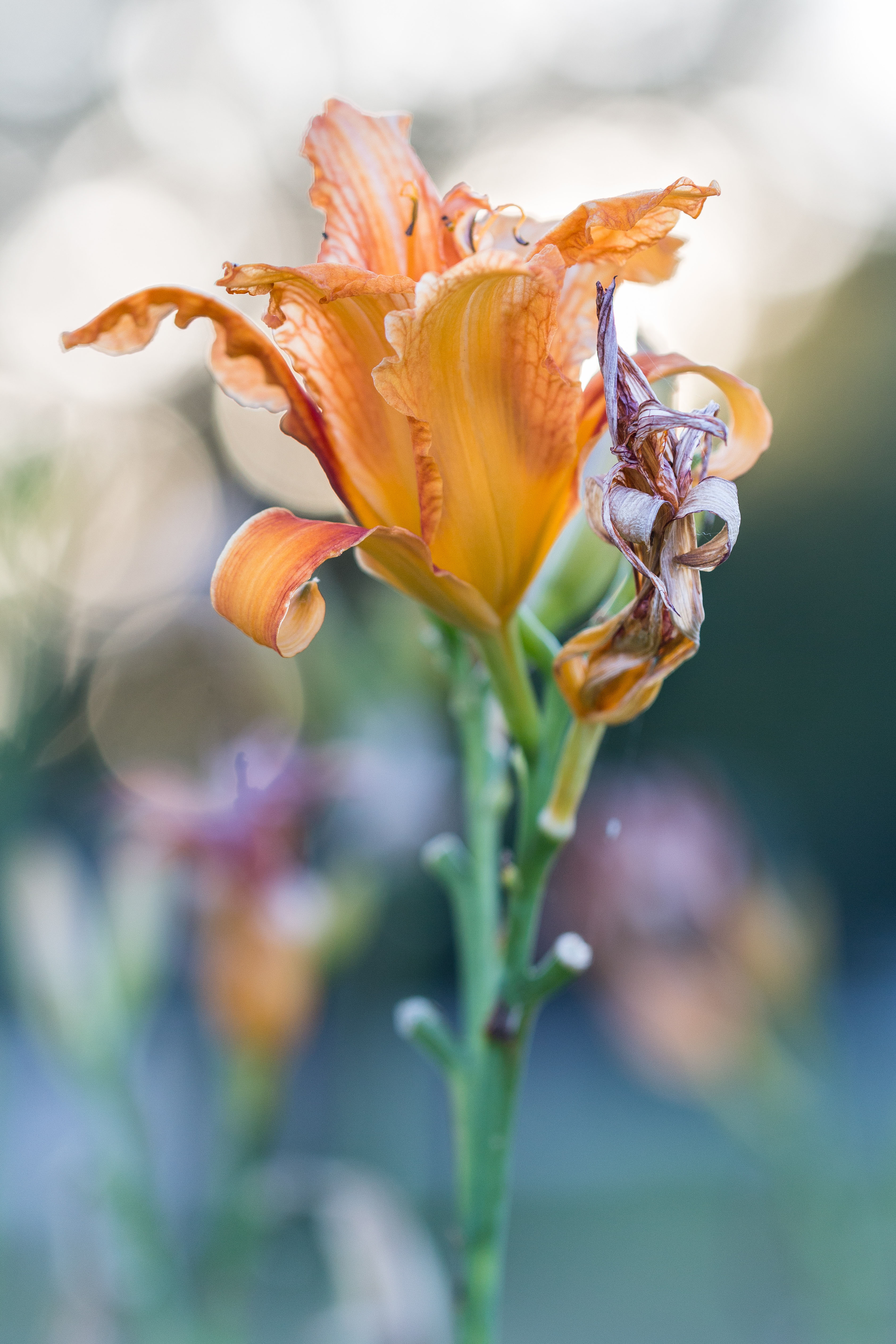
7/26/16

Back Lit Lily 7.26.16 | https://www.roseclearfield.com

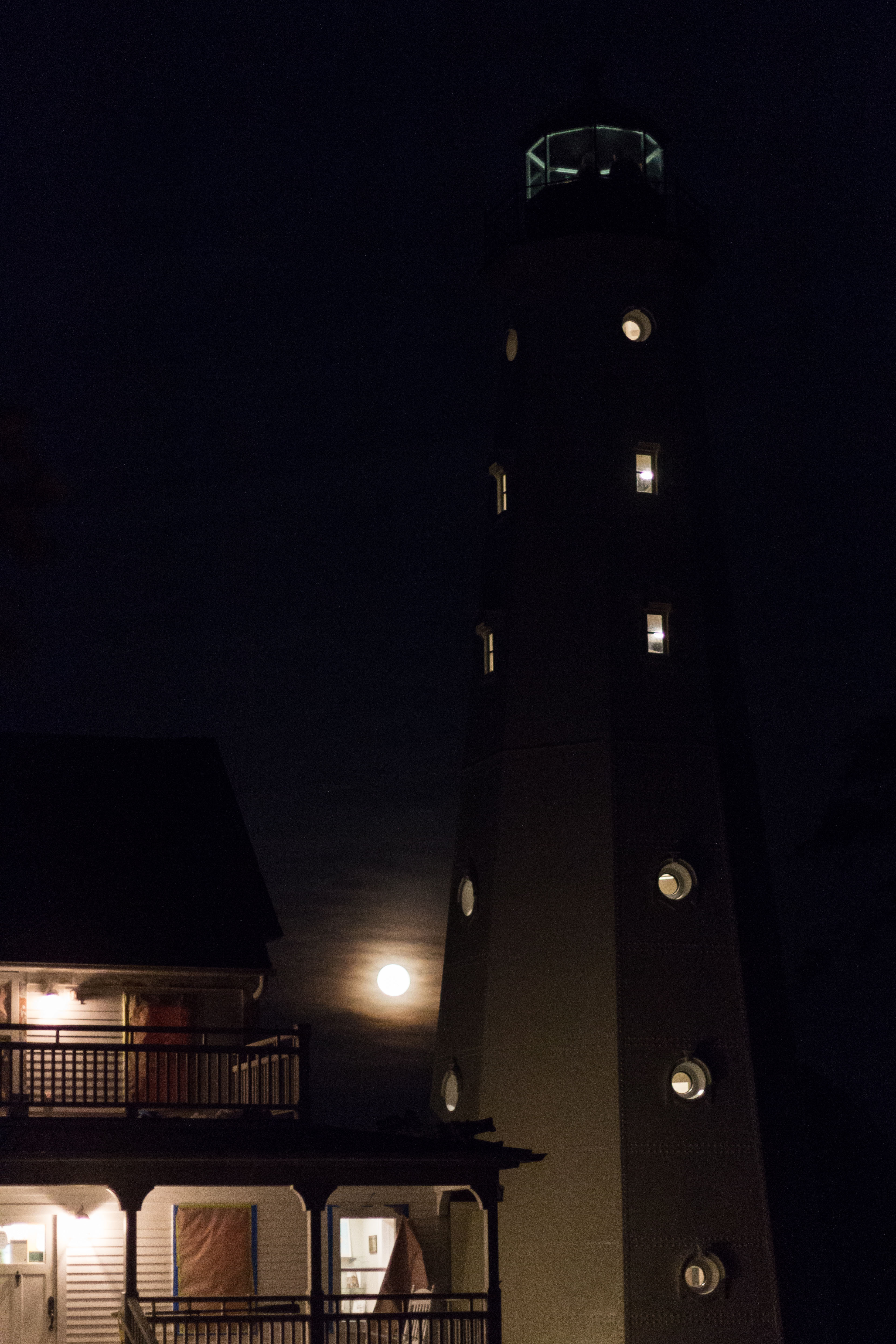
8/18/16

Full Moon Behind North Point Lighthouse, Milwaukee, WI 8.18.16 | https://www.roseclearfield.com

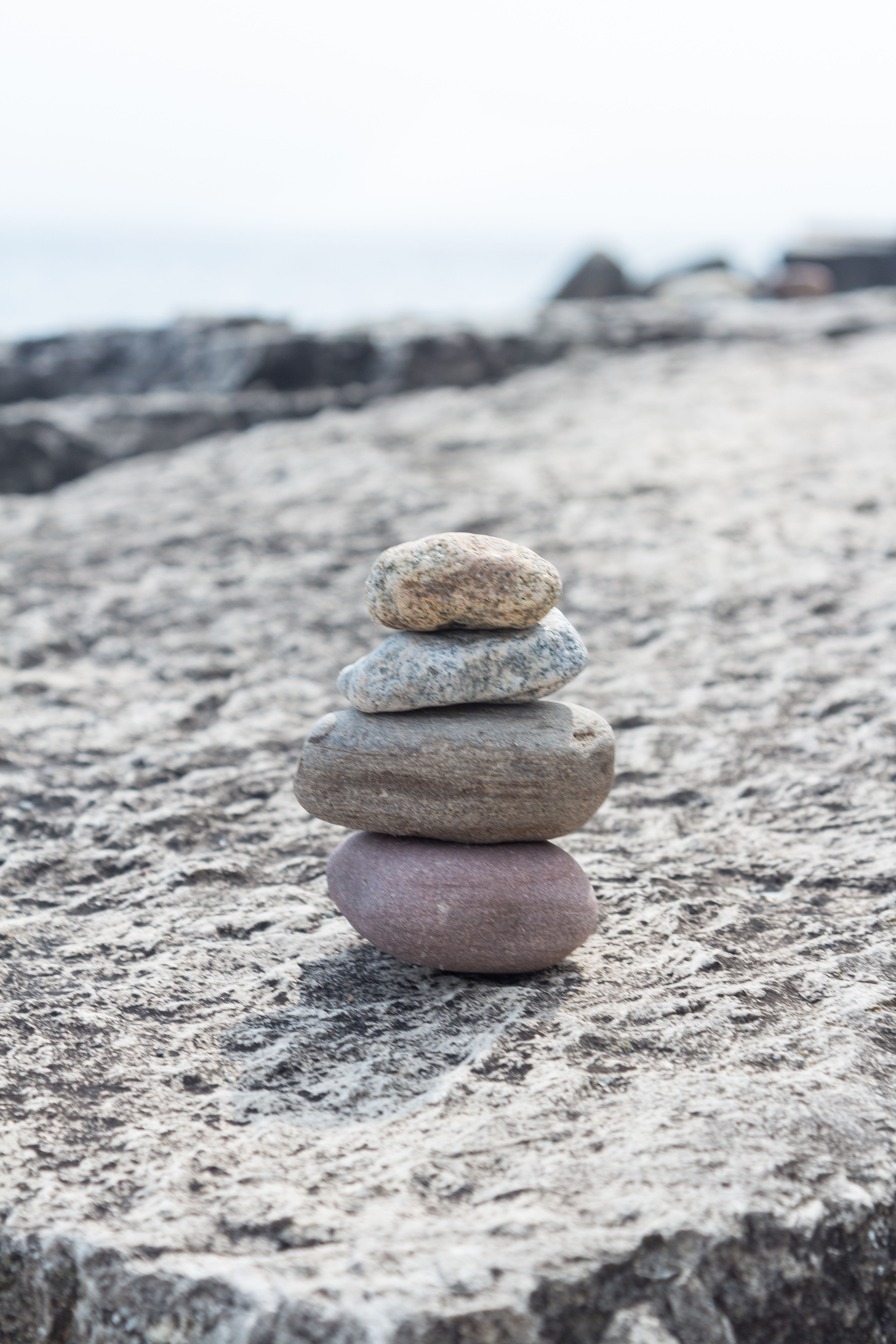
8/30/16 (full post)

Rock Cairn at the Beach 8.30.16 | https://www.roseclearfield.com

9/17/16 (full post)

Annunciation Greek Orthodox Church, Doors Open Milwaukee 2016 | https://www.roseclearfield.com

10/10/16 (full post)

Mitchell Park Domes Fall Show | https://www.roseclearfield.com

10/13/16 (full post)

China Lights at the Boerner Botanical Gardens | https://www.roseclearfield.com

10/22/16 (full post)

St. Louis Cathedral, New Orleans, LA | https://www.roseclearfield.com

10/22/16 (full post)

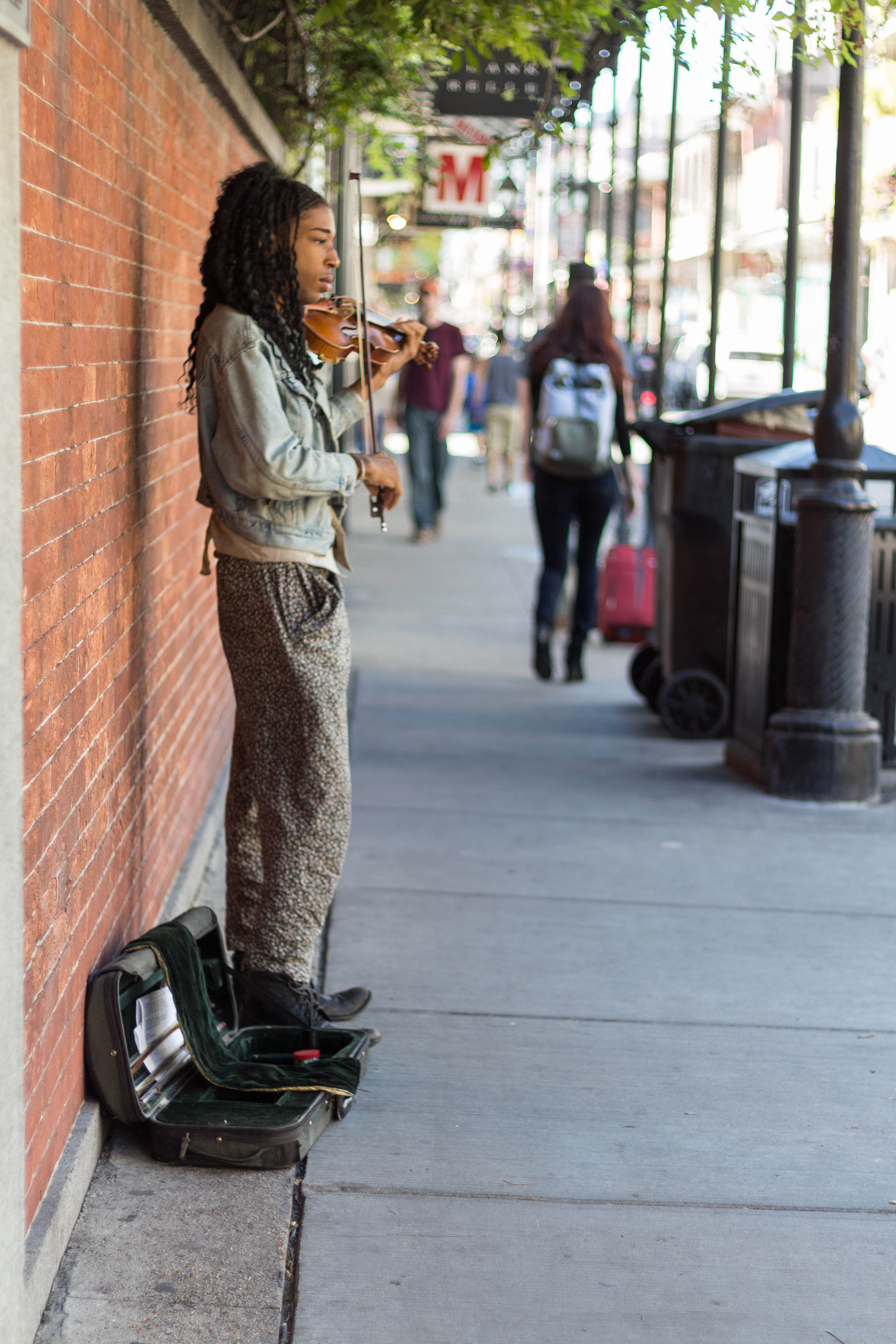
New Orleans Street Musician in the French Quarter | https://www.roseclearfield.com

10/29/16

Grant Park in the Fall 10.29.16 | https://www.roseclearfield.com

12/21/16

Basilica of St. Josaphat at Christmas, Milwaukee, WI | https://www.roseclearfield.com

Finally, the last photo is the photo that I was most proud to take in 2016. You may remember me sharing it back in this post. Our good friend Joe’s son is the fourth generation to be baptized in this church. Joe’s grandma (his son’s great-grandma) passed away less than two months after the baptism. I’m so honored to have been a part of this family moment and to have helped them capture it forever.

Four Generations | https://www.roseclearfield.com

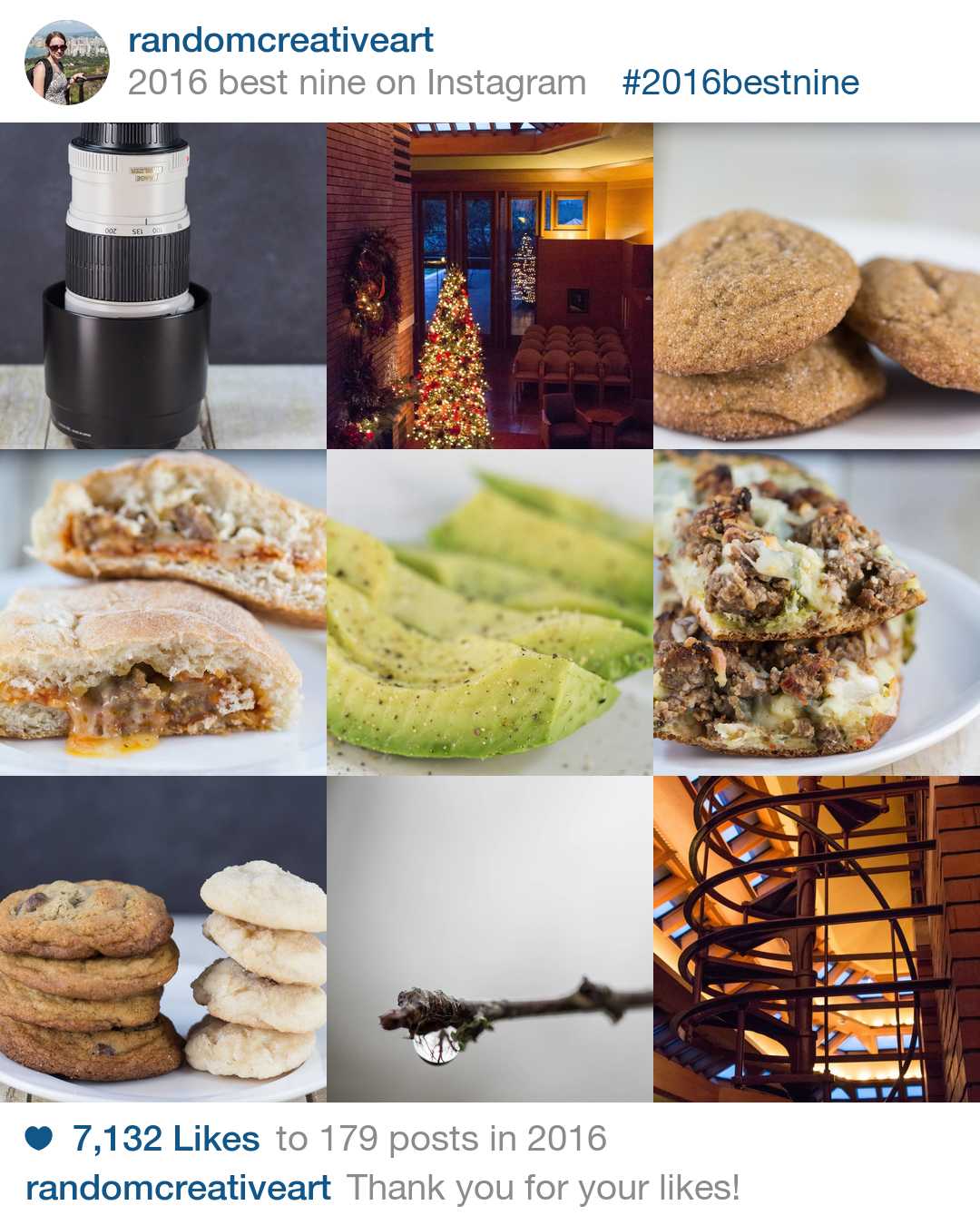
Now that I’ve shared my 16 favorite photos of 2016, I’m sharing some of YOUR favorite photos of mine from the past year.

2016 Best Nine Collage for Instagram | https://www.roseclearfield.com

I really appreciate all of the support for my photos both here and on Instagram! Following me on Instagram is the best way to keep up with my latest photos as well as other random happenings that I share in my Insta stories.

Here’s to a great year of photography in 2017!

Save

Save

Save

Save

My Favorite 16 Photos of 2016 Read More »

Holiday Gift Guide for Photographers

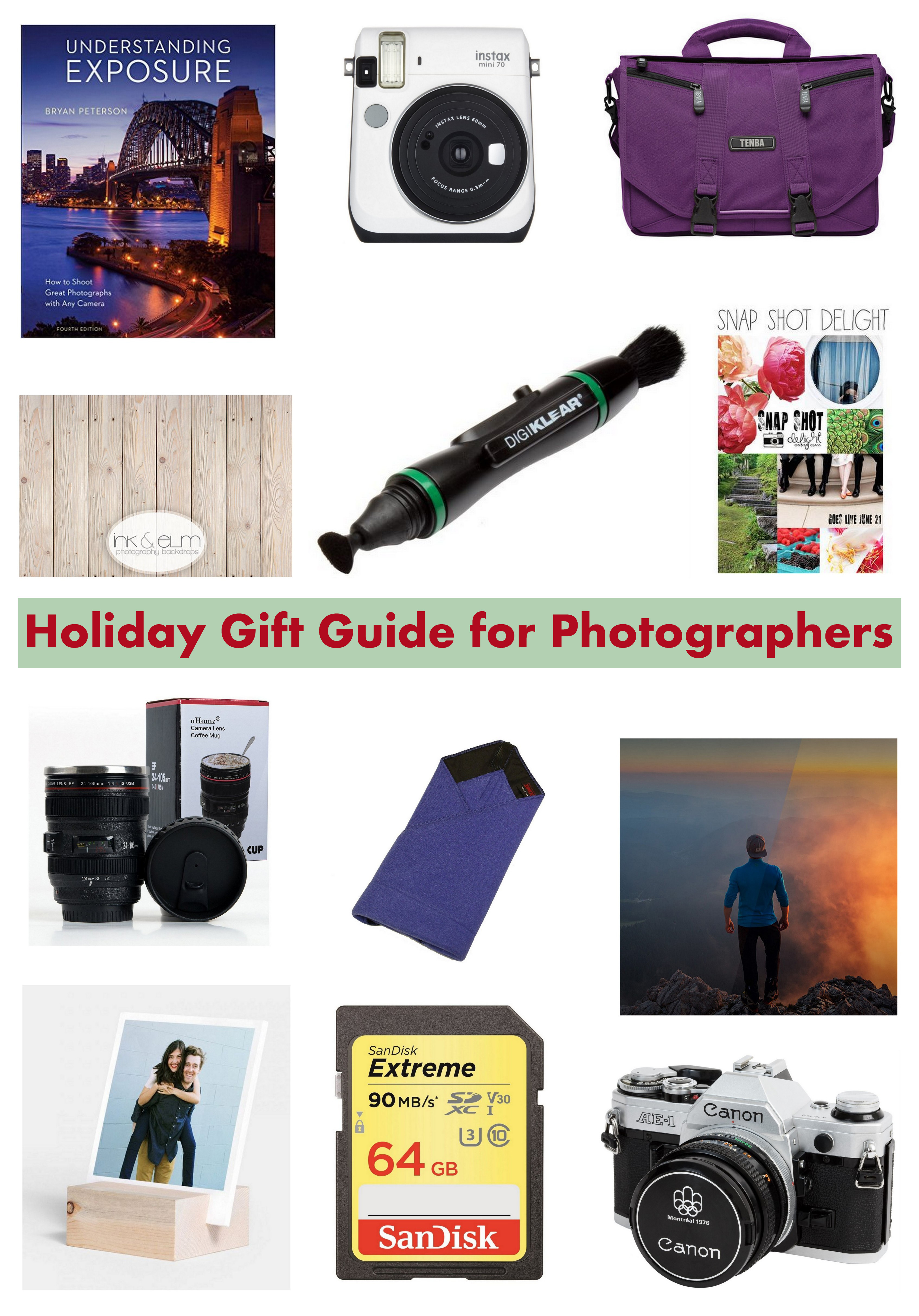
Holiday Gift Guide for Photographers | https://www.roseclearfield.com

Welcome to my first holiday gift guide of 2016! I’m starting with a holiday gift guide for photographers. Next week, I’ll be sharing non-photography themed gift guides for her and for him. I’ve stayed away from the obvious camera bodies and lenses because most photographers shoot with specific brands (i.e. Canon, Nikon, Sony, etc.) and know what they want. I’ve also avoided most standard accessories, such as camera straps and flashes. You can see all of my general gear recommendations over here. Today I’m sharing a more fun selection of accessories that photographers may not purchase for themselves but will enjoy and other (mostly) practical photography related indulgences.

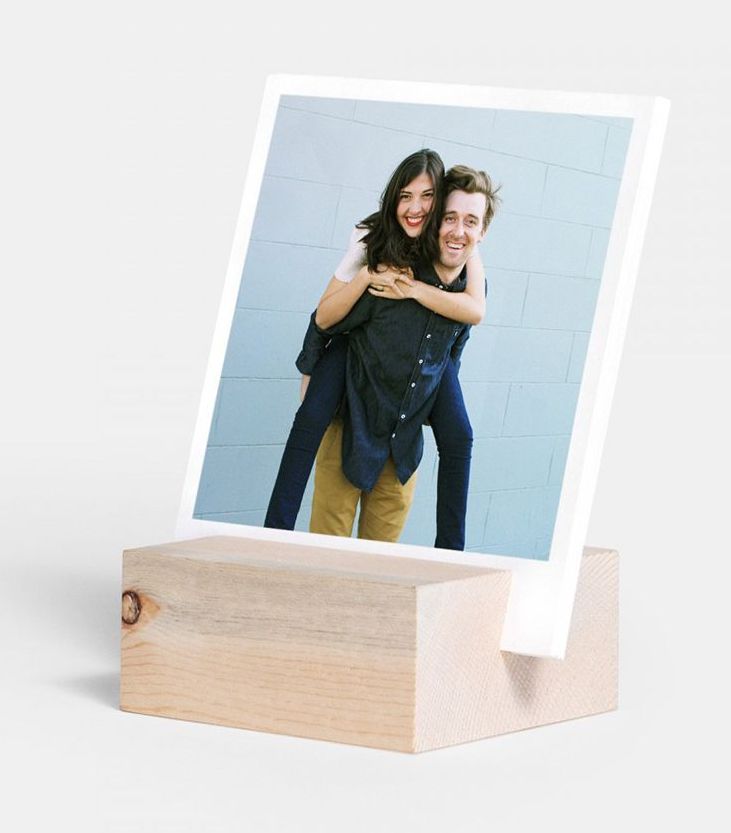
Artifact Uprising Wood Block + Prints...perfect holiday gift! | https://www.roseclearfield.com

Artifact Uprising’s Wood Block + Prints

Artifact Uprising offers a wide selection of really beautiful photography products including prints, cards, photo books, wall art, and calendars. If you haven’t browsed their site before, please check it out. The wood block + prints makes a great gift for family members and friends to display photos of loved ones and favorite memories. If you aren’t sure which prints to order for a gift, pick up a gift card.

Domke Protective Wrap

I inwardly cringe every time I see a camera stuffed haphazardly in a purse or diaper bag without any protection. I also completely understand that people don’t want to take their camera bags with them every time they want to shoot. (I’m the same way.) The Domke Protective Wrap is the perfect solution for on the go shooting. When you’re at the zoo or walking around Chicago on vacation, most likely you don’t need a ton of gear. Wrap up your camera body and 1-2 lenses and you’re good to go. The Domke is available in multiple sizes and colors.

LensPen

Camera lenses and LCD displays get trashed quickly, with dust and fingerprints everywhere. The LensPen is simpler and more convenient to pull out and use for a quick cleanup than a lens cloth. It also gets into the small crevices more effectively. Keep it handy in a front bag pocket for easy access.

SanDisk Extreme 64GB Card

You can never have too much memory. You never know when you’ll run out of the house without a memory card in the camera or your memory card will decide to fail. Keeping an extra memory card or two in your bag ensures you’ll always have ample memory. SanDisk is a reputable brand, and the Extreme 64GB card is an ideal size for most photographers at a great price point. (And yes, I have covered this topic before. A couple times. It’s really important.)

Adobe Creative Cloud Photography Plan

I’m still a little wary about the transition to renting instead of owning software, but overall, it’s a positive switch. Yes, it does feel like Adobe owns a little bit of your soul. (A great endorsement in a gift guide, I know.) But you get automatic updates and other support, ensuring you always have up to date software, with basically no extra effort on your part. The Adobe Creative Cloud Photography Plan includes Lightroom and Photoshop for $9.99/month. It’s a great gift option for photographers who are using outdated software or who haven’t taken the plunge and invested in professional software yet.

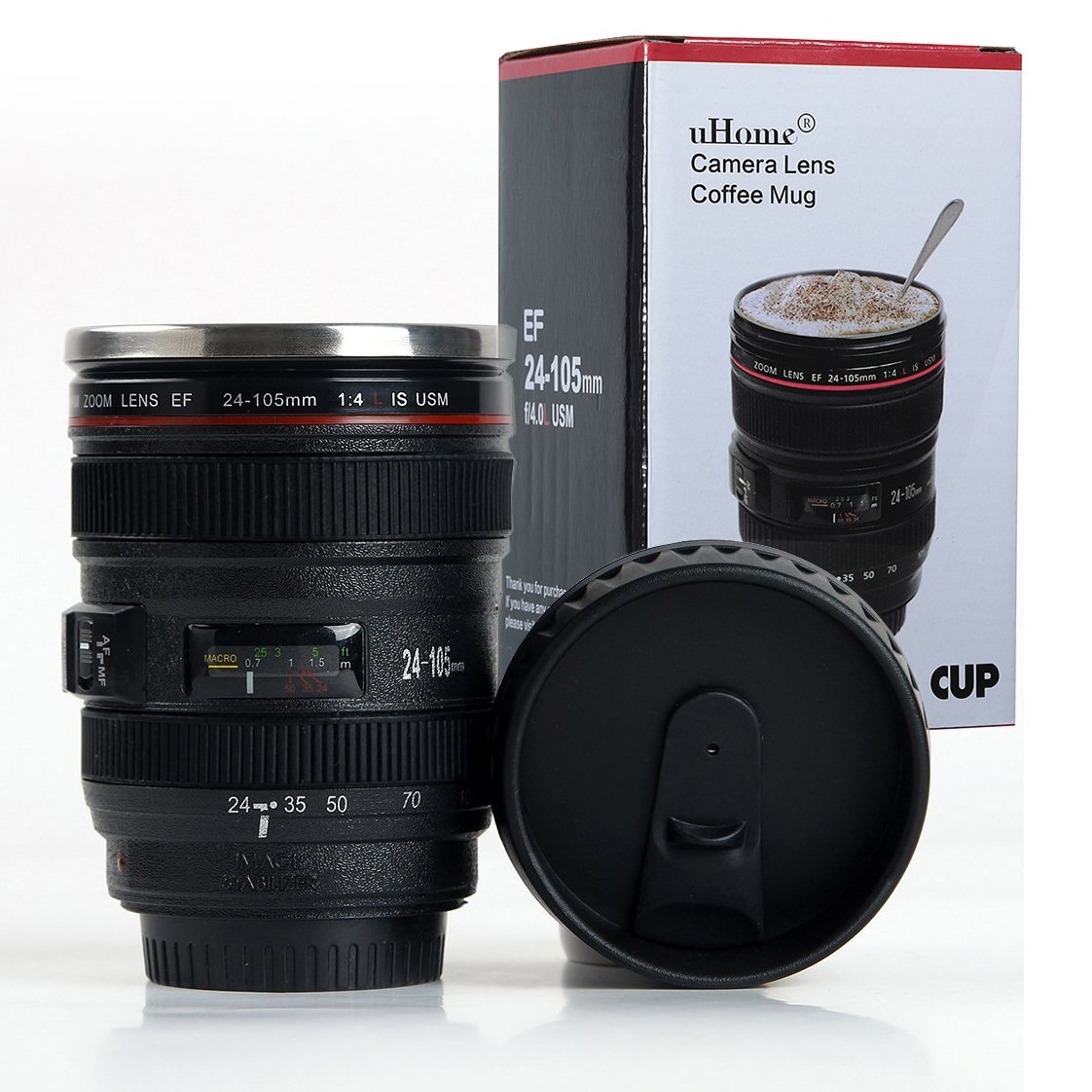
Canon DSLR Camera 24-105mm f/4 Lens Cup...such a fun gift item! | https://www.roseclearfield.com

Camera lens cups

The DSLR camera lens cups are just fun. Someone walks up to your desk and thinks you have a high-end camera lens sitting there…until you pick it up and start drinking coffee out of it. I’m linking a Canon 24-105mm lens cup because I’m a Canon girl, there are also Nikon cups available.

Professional photography website subscription

Professional photography portfolio websites, such as SmugMug and Zenfolio, enable photographers to create professional portfolios and make high-quality prints available for clients. They also allow for comprehensive personal and professional photo backup with folders and keywords so you can find photos again later with ease. Even if you’re not planning to take on clients or sell your prints, having a SmugMug or Zenfolio subscription is worthwhile. I love having another photo backup and frequently print photos for myself and to give as gifts.

A subscription to 500px is also a great gift for a photographer. You can create a 500px account for free, but there isn’t much you can do with the site unless you pay for it. They have three different subscription plans. The highest plan includes the previously mentioned Adobe Creative Cloud Photography plan, which is pretty cool.

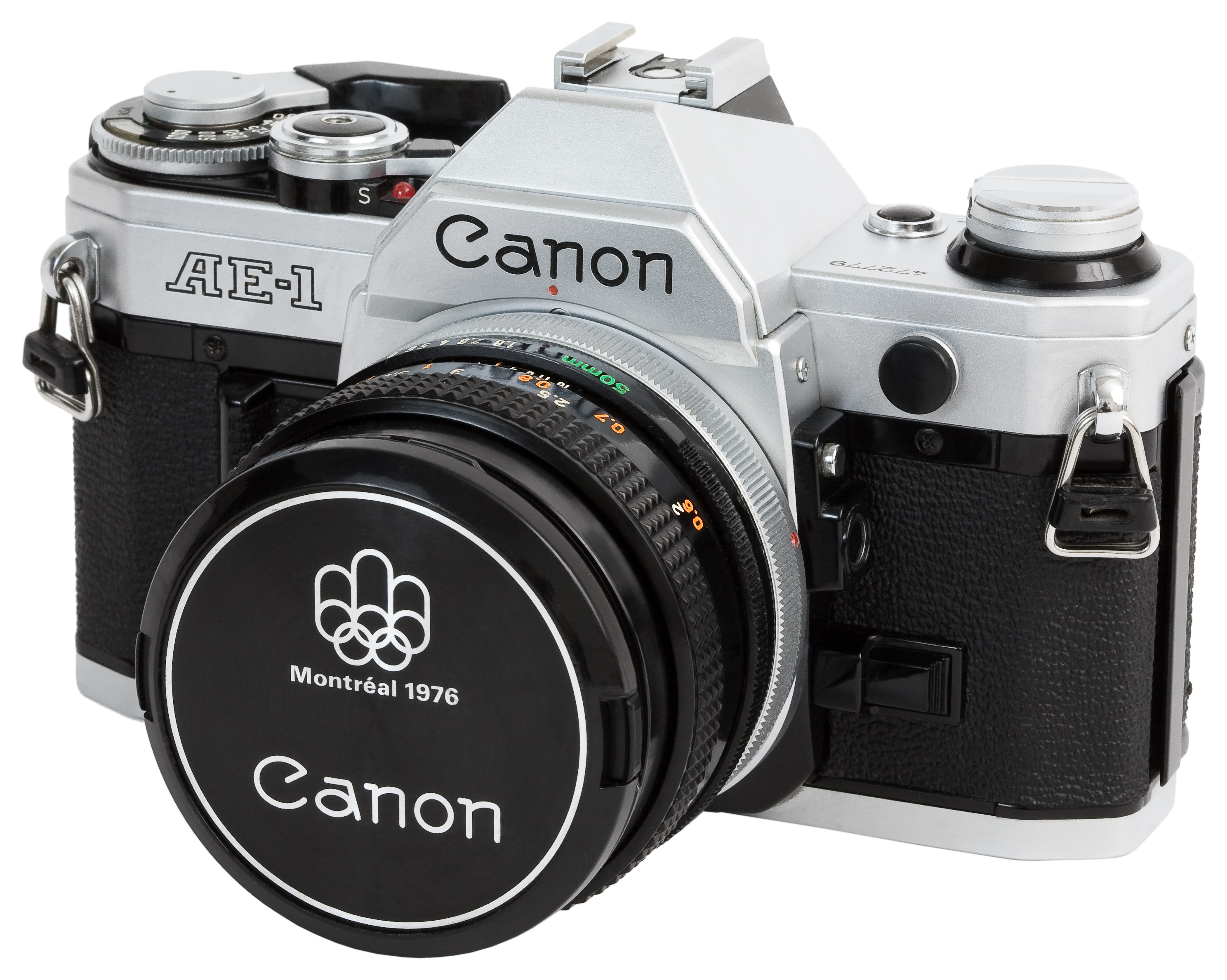
Canon AE-1 with kit 50mm f/1.8 lens...great photography holiday gift! | https://www.roseclearfield.com

Vintage Canon AE-1 or Pentax K1000 with film

The Canon AE-1 and Pentax K1000 are two of the most popular film SLR cameras ever made. As a result, there are still lots of working AE-1 and K1000 cameras floating around that you can pick up on eBay for less than $200. Regardless of your photography background and current skill level, shooting with a film SLR camera, especially a classic model like an AE-1 or K1000, is a really neat experience. You appreciate the simplicity and ease of use of the dial controls, and you take time to create each image, manually focusing the lens and carefully composing each shot. Both Amazon and B&H offer 35mm film. Consider Kodak Portra 400 (color film) or Kodak Tri-X 400TX (black and white film).

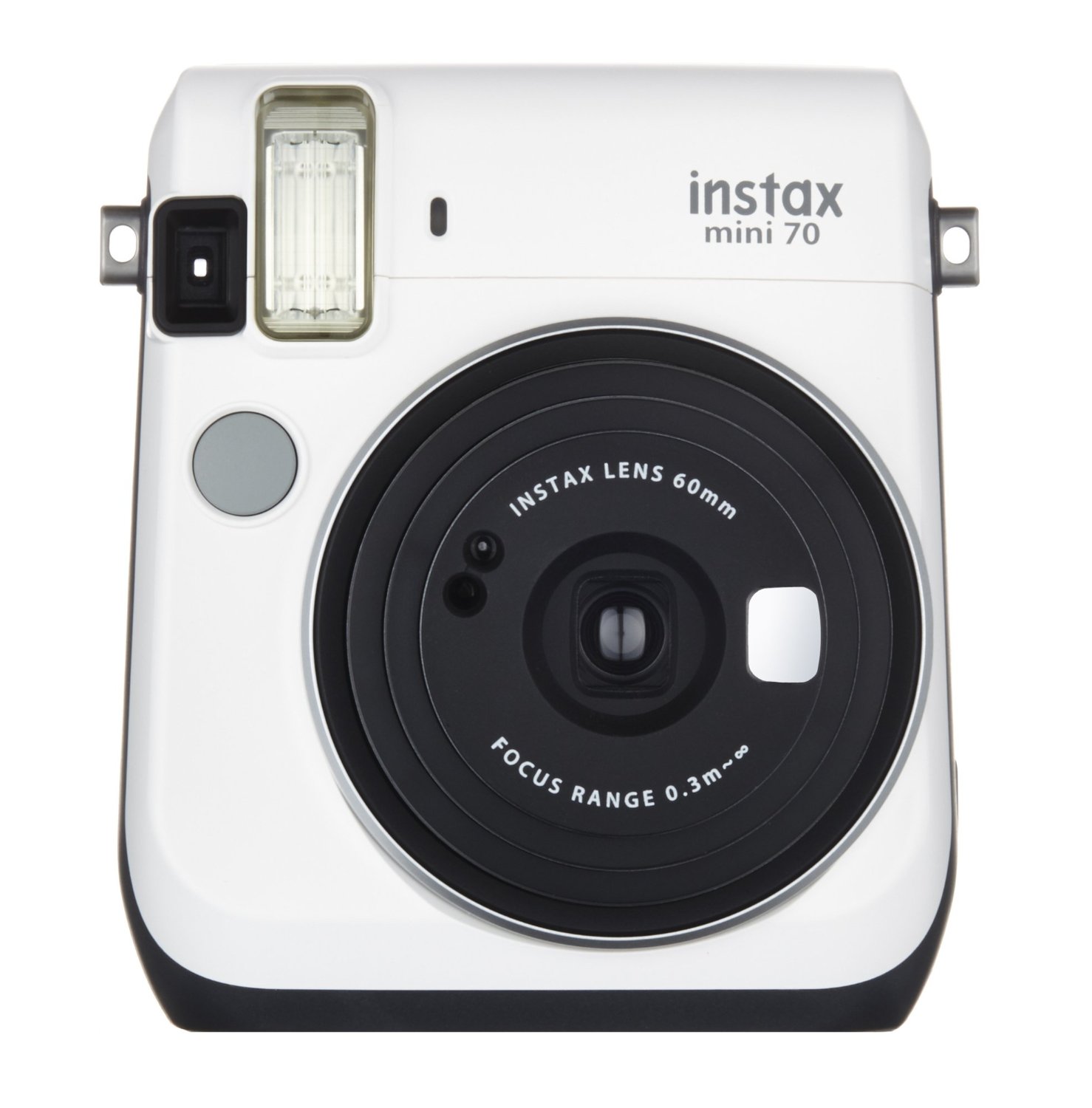
Fujifilm Instax Mini 70 - Instant Film Camera...so much fun for weddings and family functions! | https://www.roseclearfield.com

FujiFilm Instax Mini Instant Film Camera

On a similar subject, if you love the idea of having tangible photos but aren’t in the market for an SLR film camera, a Fujifilm Instax Mini 70 Instant Film Camera is a great option. It’s really fun to attend a wedding or family holiday function and be able to snap photos of loved ones that you can give them right on the spot. It may seem silly when you can take photos on your smartphone, but there’s something different about having a photo you can put up immediately on the fridge or on your desk. Don’t forget to pick up some Instax film, too.

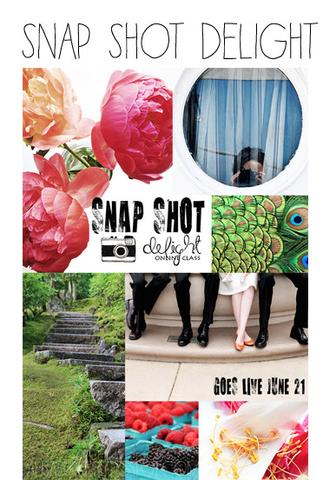
Alisa Burke's Snap Shot Live, a great gift for the photographer in your life. | https://www.roseclearfield.com

Alisa Burke’s Snap Shot Delight

I love to give experience gifts (i.e. local restaurant gift certificates, flex concert tickets, StubHub cash). Getting new gear is always fun, but learning a new feature of your current gear or taking on a new challenge can be just as, if not even more, rewarding. There are so many photography classes out there, many of which are affordable and convenient, aka local or online with a work-at-your-own-pace format. Alisa’s Snap Shot Delight falls into the latter category. In this class, Alisa shares her favorite tips, tricks, prompts, and more for using a camera as part of the creative process, which is applicable to virtually anyone in a creative field.

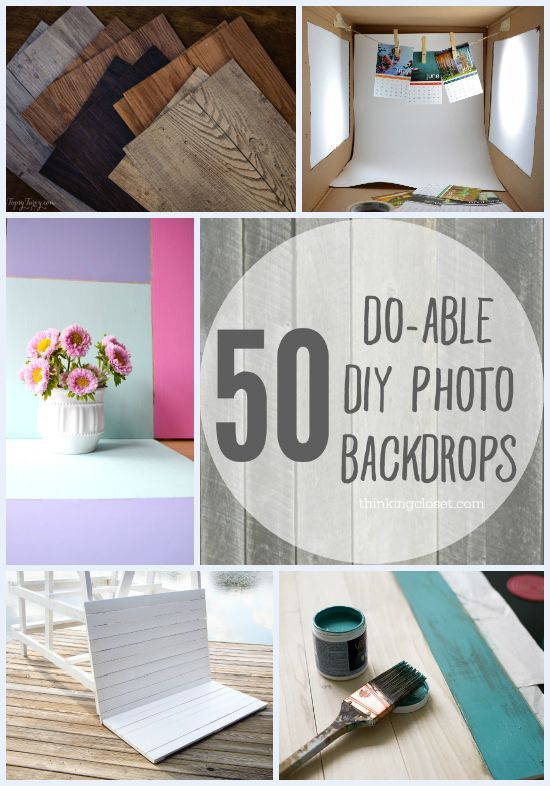
50 Do-Able DIY Photo Backdrops from thinkingcloset.com via roseclearfield.com50 Do-Able DIY Photo Backdrops | http://www.thinkingcloset.com

Photography backdrop

Photography backdrops can be a huge asset for almost every type of photography. From a product shoot for an Etsy shop to a studio session for a high school senior, the right backdrop will take your shot from average candid to polished and professional. Vinyl backdrops are fairly affordable and extremely versatile, durable, and portable. A few great Etsy shops that sell vinyl photography backdrops: InkAndElm, PrintSignsQuick, and MyBackdropShop. If you’re crafty, consider making a couple backdrops. There are numerous backdrop tutorials on Pinterest. (I’ve linked a great tutorials roundup above, too.) For photographers who do a lot of smaller shoots, a DIY lightbox is also a great option.

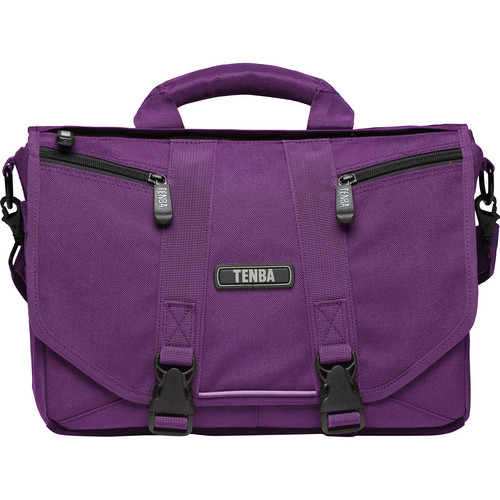
Tenba Photo/Laptop Messenger Bag...durable, versatile, and affordable. | https://www.roseclearfield.com

Photography bags

I know selecting a photography bag is a very personal decision. The two options I’m including here are the Timbuk2 Classic Messenger line (the top four listings under Messenger bags) and Tenba Messengers (check out both the DNA and Photo / Laptop lines). All three bag collections are lightweight and extremely versatile. If they don’t work as photo bags for the recipients, most likely the recipients would be able to find other uses for them.

Of course, I also have to mention the two bags I use right now: the ThinkTank CityWalker 20, which is my around town camera day bag, and the Lowepro Fastpack 250 DSLR Camera Backpack, which is my airplane carry-on and walk around bag on trips. I’ve been using the Lowepro backpack since late 2012 and am so happy with it as a travel bag. I’ve been using the CityWalker messenger since mid-2016. It’s a fantastic bag. In time, I’m confident I’ll figure out how to best use it to fit my specific photography needs. Both Lowepro and Thinktank are staple photography bag brands and have tons of other options if neither of these bags fits the bill for the photographers in your life.

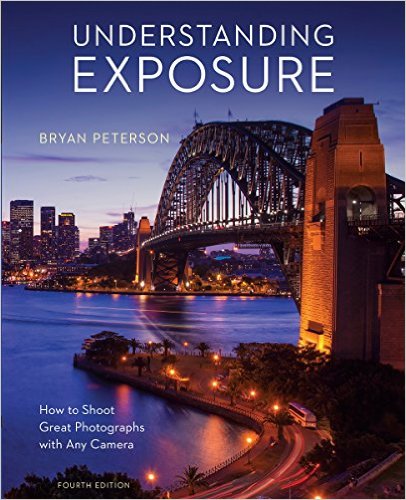
Understanding Exposure, Fourth Edition: How to Shoot Great Photographs with Any Camera by Bryan Peterson

Understanding Exposure by Bryan Peterson

Photography book

For a new photographer who’s looking for a few technical resources, a how-to book, such as Tony Northrup’s DSLR Book or Pinch of Yum’s Tasty Food Photography, is a great choice. For a more seasoned photographer or someone who is simply looking for inspiration, the options are endless. artbook is a great resource for photography books. I’ve linked their new fall 2016 features. Don’t be afraid to think outside of the box. Many photographers find inspiration from a wide range of imagery, which may not be what they shoot all the time. For example, a family photographer may love The Space Within: Inside Great Chicago Buildings and can learn a lot from the architectural compositions.

[Disclaimer: There are affiliate links in this post. Using affiliate links to shop for photography gifts and any other products of your choosing is a simple way to support my blog without costing you anything extra. Thank you!]

What photography items are on your wish list this year?
Feel free to share links in the comments!

More gift guides!

Holiday Gift Guide: Gift Ideas for Her | https://www.roseclearfield.com

Holiday Gift Guide: Gift Ideas for Her

Holiday Gift Guide: Gift Ideas for Him | https://www.roseclearfield.com

Holiday Gift Guide: Gift Ideas for Him

Save

Save

Save

Save

Save

Save

Save

Save

Save

Save

Save

Save

Holiday Gift Guide for Photographers Read More »

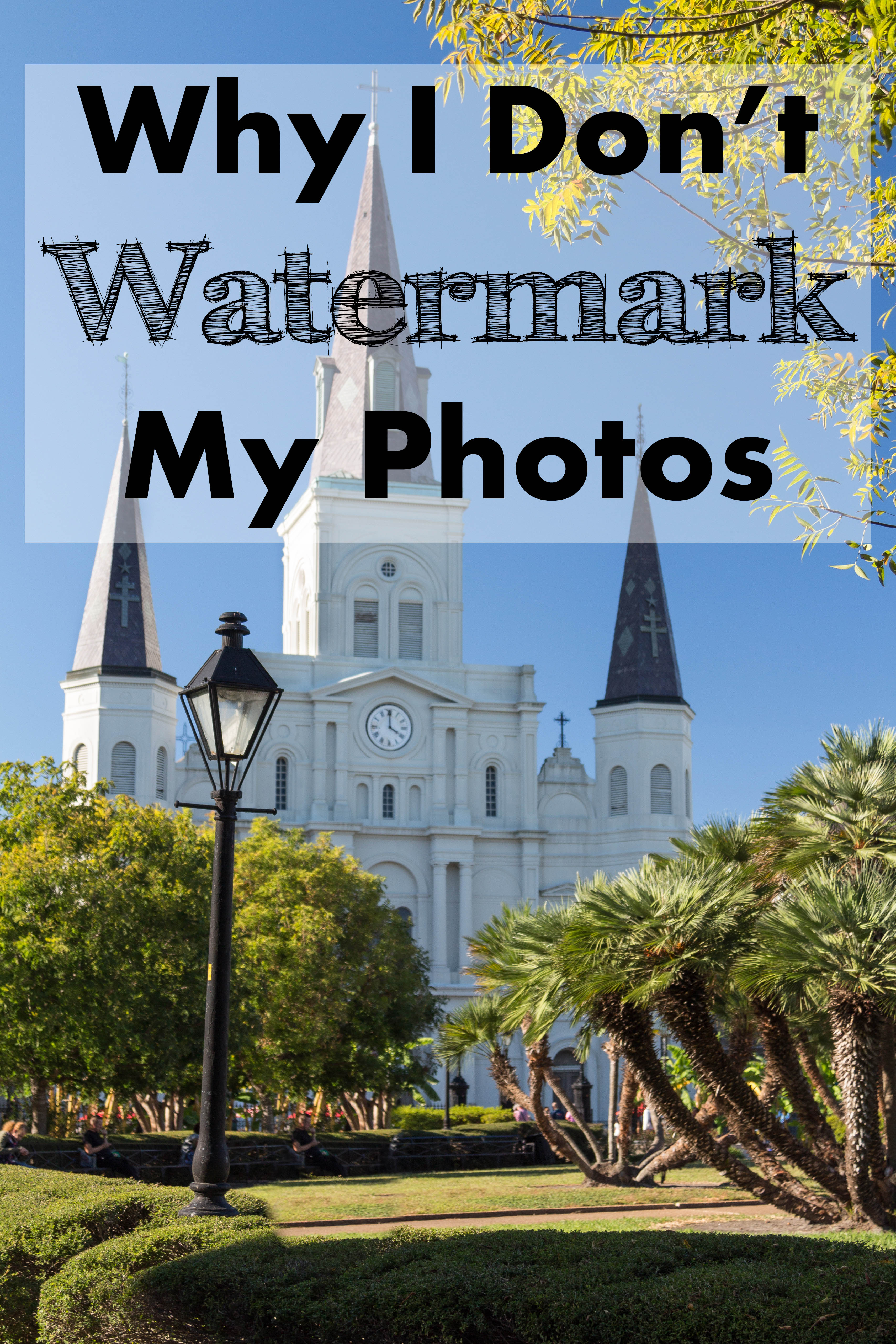
Why I Don’t Watermark My Photos

Why I Don't Watermark My Photos | https://www.roseclearfield.com

Watermarking photos is something of a controversial topic, I know. If you’re in the pro-watermark camp, most likely my subject line has already upset you. If so, please don’t leave me a nasty comment, particularly if you don’t even read the post. For many years, I was very indifferent about watermarks. But the more time I spend browsing photos and crafting articles and blog posts, the more they bother me. I have never watermarked my photos and don’t plan to watermark my photos anytime in the foreseeable future. The following reasons explain why I don’t watermark my photos and why you should think twice before you watermark your photos.

Watermarks are distracting.

First and foremost, the vast majority of watermarks are extremely distracting. Occasionally, I do see small, tasteful watermarks that don’t distract from the images. It’s really rare. Most watermarks are too big and too dark and are placed in such a fashion that they get in the way of an image. How are you supposed to focus on a beautiful winding staircase surrounded by wildflowers when there’s a big fat watermark right in the middle of the staircase? If you’re going to watermark your photos, please design a small, tasteful watermark, and place it right in one of the corners of your photos.

Watermarks don’t prevent people from stealing your photos.

First, anyone with some basic photo editing skills can edit out most watermarks in a matter of seconds. I know that most people don’t want to hear that, but it’s the truth. Second, when you put your photos online, you run the risk of them getting stolen. I’m not saying this to discourage you from sharing photos online. It’s simply inevitable that when you share content online, eventually someone will try to steal it. It really stinks. Generally, people aren’t attempting to pass off others’ photos as their own. Instead, they’re sharing them in an improper fashion. A lot of people have no sense of content ownership and make no effort to give credit to the original source. I wish that people didn’t think it was acceptable to post photos to blogs, Tumblr, Pinterest, etc. without linking back to the original sources or giving credit where credit is due. It’s not acceptable. Ever. But it will happen, whether or not you watermark your photos.

Most watermarks are completely unnecessary.

There are a few common scenarios where I see watermarks that simply don’t need watermarks.

  • Low-resolution uploads. When you upload photos to Instagram or Facebook, the resolution quality is really low. Yes, typically, high-quality images still look good in low-resolution when you’re viewing them on a smartphone because the screen is tiny. Most of these images will never get printed or blown up so it doesn’t matter that they’re low-resolution. However, the fact that they’re low-resolution also means no one will steal them to actually try to profit from them. Yes, someone may save an image to use as a background, but there’s really nothing wrong with that. Frankly, I’d be flattered if someone screenshotted a photo I posted on Instagram to use as a phone background. So please stop watermarking your social media share photos, especially on Instagram.
  • Step-by-step recipe and tutorial photos. I see so many blog posts in which the author has watermarked every. single. photo. Again, no one is going to steal a photo of brownie batter or half-finished coasters. Again, someone may use one of these photos online without linking back to the post. If this happens, the watermark may slightly increase the odds of someone tracking down the original post. However, most of the time, people will share the finished photos of the food, craft, etc., as opposed to the in-progress photos. If you’re going to watermark your photos, limit the watermarks to  the finished, styled images.
  • Poor quality images. I know this sounds harsh, but many people create huge, distracting watermarks for photos that are mediocre at best. It’s like worrying about your pen name when you haven’t finished your first novel. Finish the book and see if anyone wants to read it, let alone publish it, before you worry about what happens when you get famous. The same principle holds true for photography. Concentrate on making your images great before you even begin to think about protecting them.

Watermarks may actually hurt your chances of getting your photos shared.

When I’m searching for images to use for articles and blog posts, I don’t want obtrusive watermarks distracting from the content or disrupting the flow. What if I used a header photo for a favorites post with a watermark? Suddenly, you’re thinking, “Oh, Rose is featuring another one of Jason’s photos” instead of, “Wow, that a great image.” Try to imagine this post, this article, or this Pinterest board if all the photos had huge watermarks. (Are you having trouble imagining these types of content with obnoxious watermarks? I wasn’t going to post a lot of examples, but I came across this as I was writing this article.) Yes, plenty of people do share watermarked photos, but plenty of people also significantly limit the number of watermarked photos they share because they detract from the content at hand. Let your images speak for themselves.

~

The only situation that I believe warrants watermarking is professional photography with the intention of sales. When you’re sharing a gallery of images from a wedding or family portrait session, it’s completely appropriate to share small image files with tasteful watermarks that don’t distract from the images. Disabling right-click saving will further discourage people from saving these files, greatly limiting the number of people who avoid paying for the images. Yes, some people will still take screen shots or find other ways to save the images. But most people who have paid for professional photography services are motivated to pay for high-quality prints and photo books.

Do you watermark your photos?
Why or why not?

More photography posts:

5 Tips to Improve Your Photography | https://www.roseclearfield.com5 Tips for Improving Your Photography
Making the Transition From Auto Mode to Manual Mode HeaderMaking the Transition from Auto Mode to Manual Mode

Photography 101: Never Stop Learning - Making an effort to learn new technical, composition, and editing techniques on a regular basis is key for staying current in the field and continuing to improve your skills as a photographer. | https://www.roseclearfield.comPhotography 101: Never Stop Learning

Top 10 Common Photography Mistakes to Avoid | https://www.roseclearfield.comTop 10 Common Photography Mistakes to Avoid

Save

Save

Save

Why I Don’t Watermark My Photos Read More »